Setting up Windows 11 on a Mac with Parallels
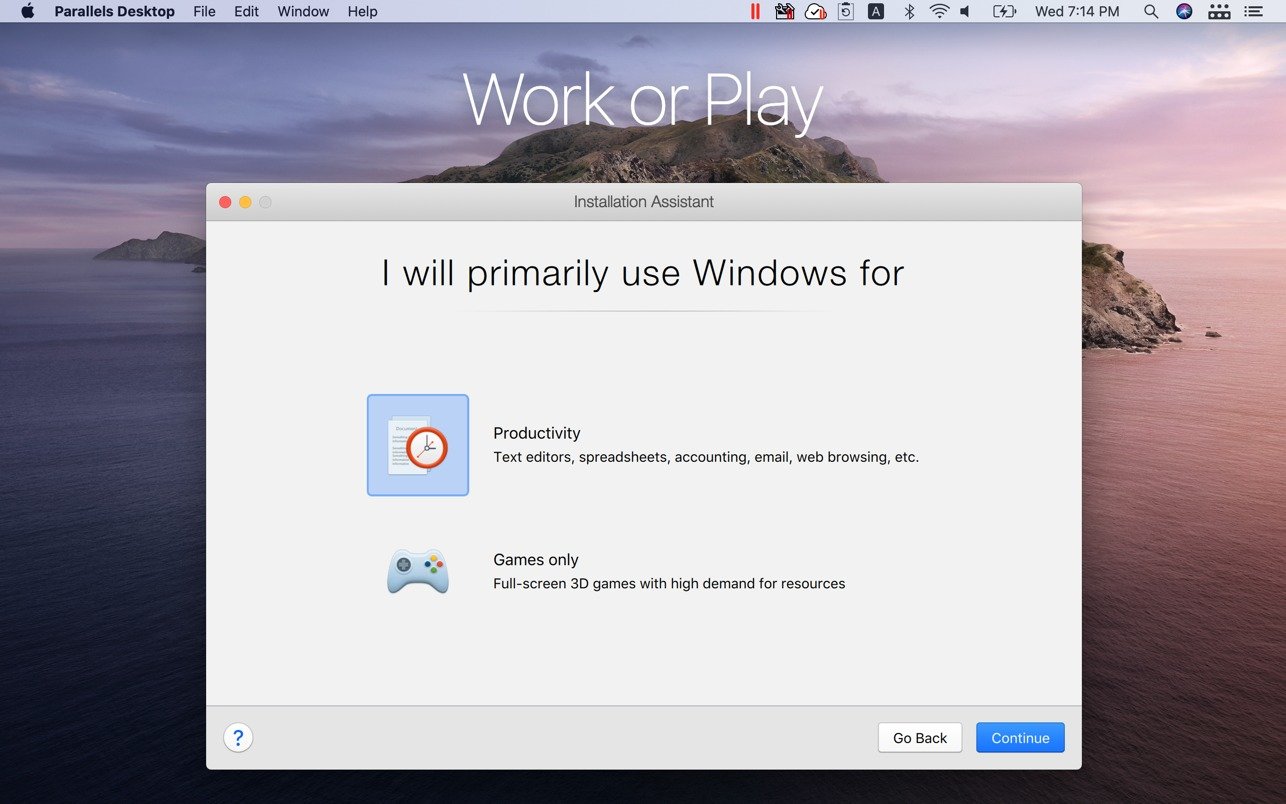
- Launch Parallels Desktop and let it download Windows for you.
- Wait for the installation to finish – on Apple silicon it uses the ARM version of Windows 11.
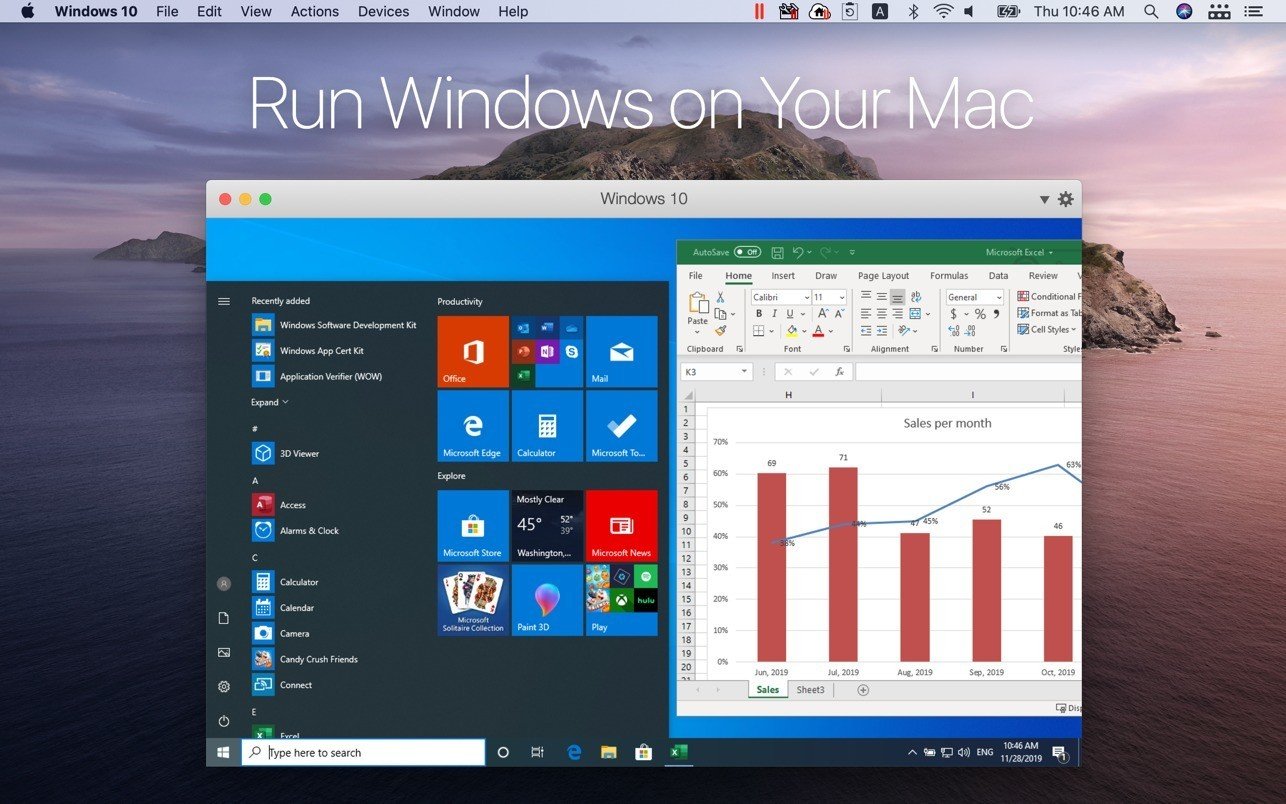
- Choose how to work: a full Windows desktop in a window, or Coherence mode.
- In Coherence, open Windows apps and they appear as ordinary Mac windows beside Safari and Finder.
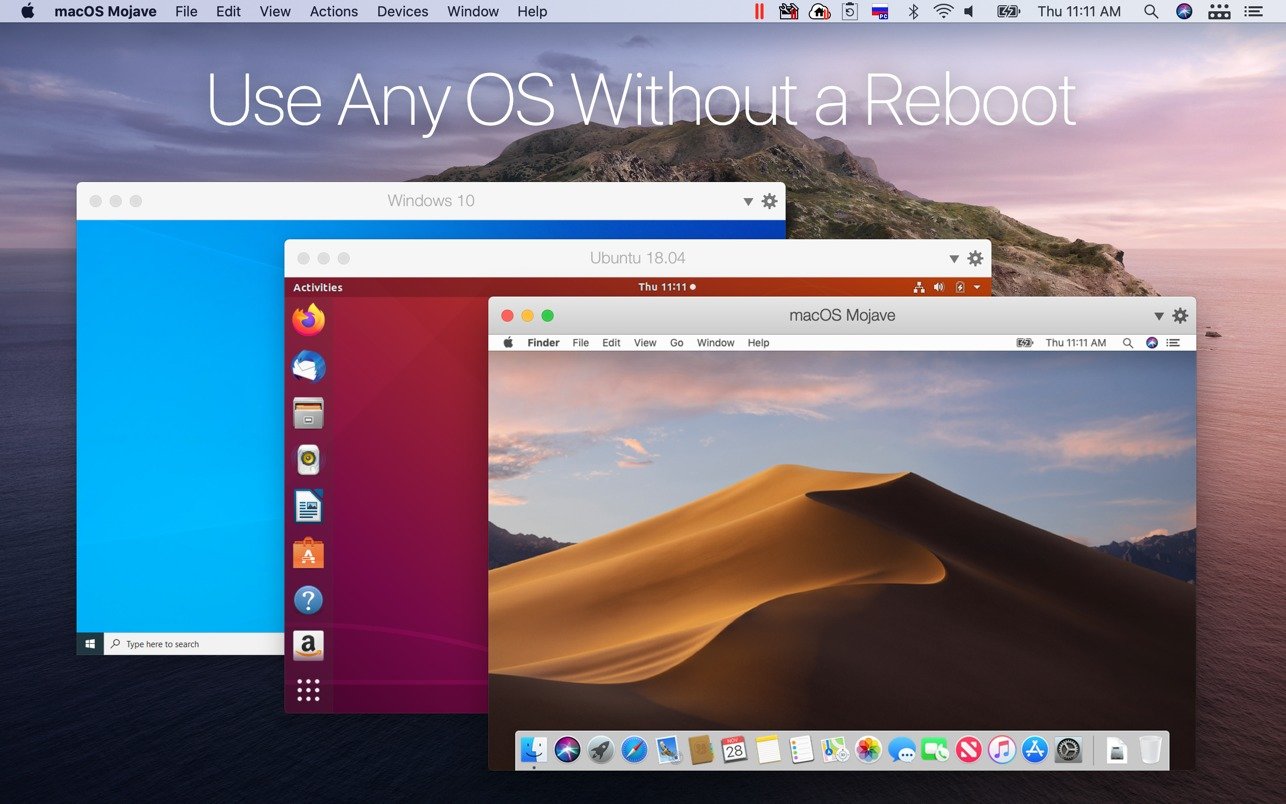
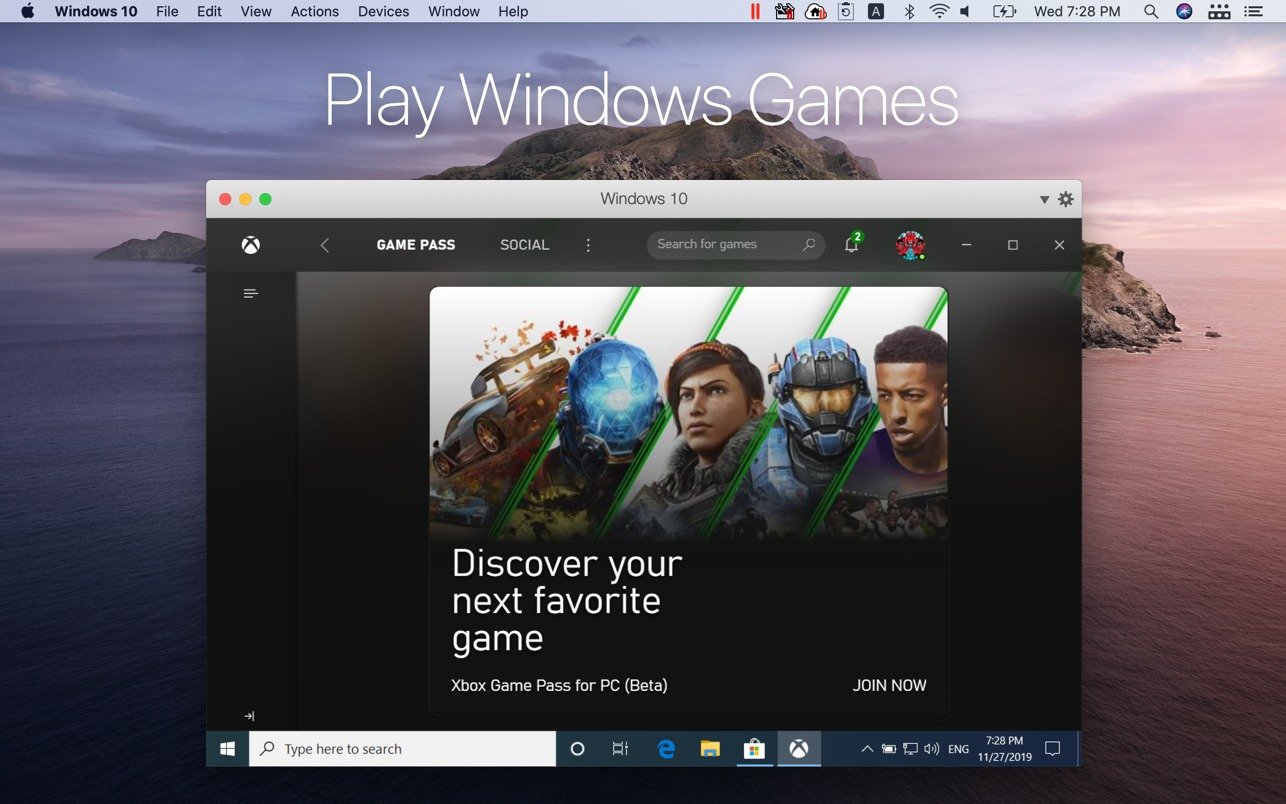
From there, the clipboard, folders and drag and drop are shared between the two systems. Snapshots let you roll Windows back if an update or install goes wrong, and the same app runs Linux and macOS virtual machines. Strong performance and good graphics support are why Parallels is the most popular way to run Windows on a Mac.