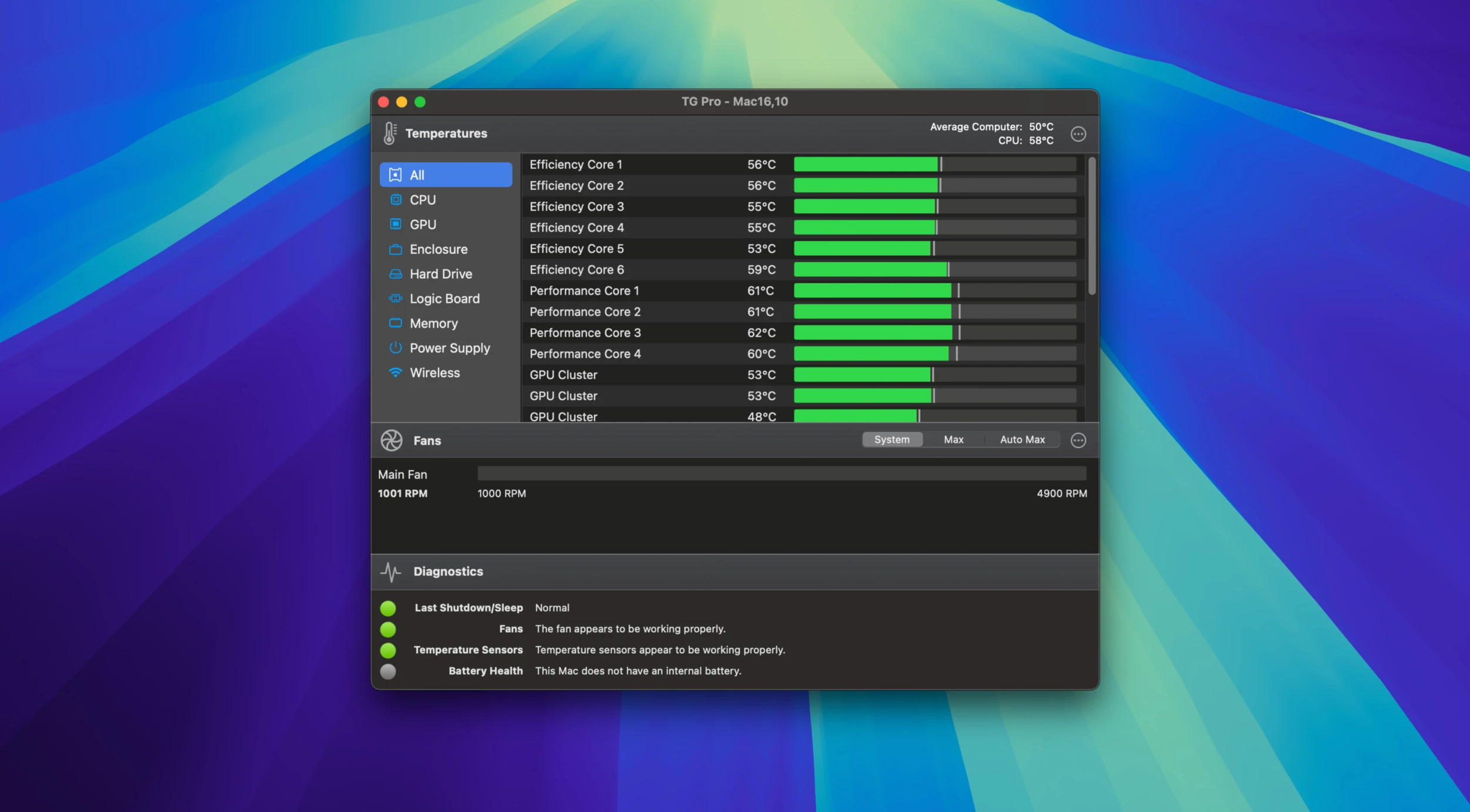
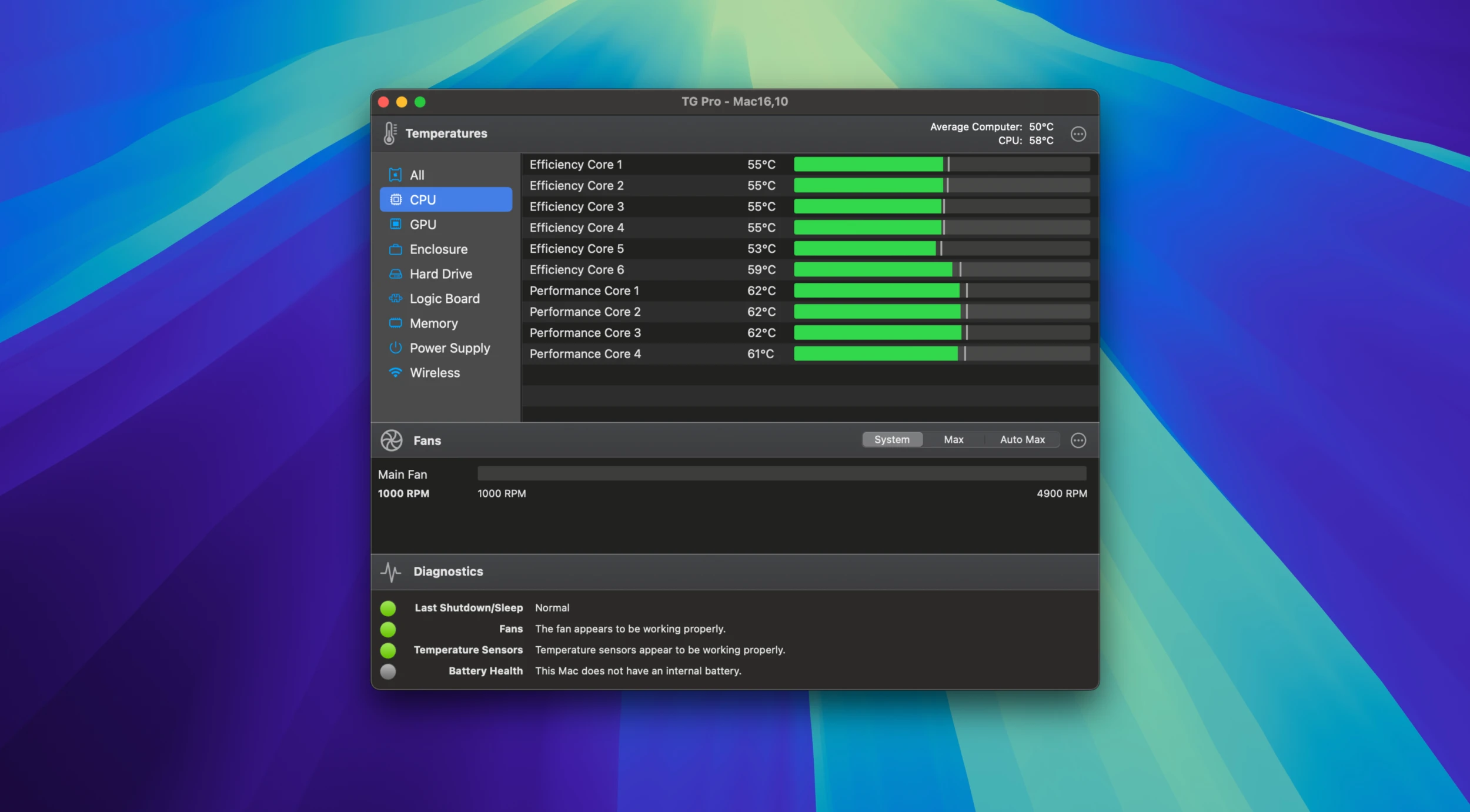
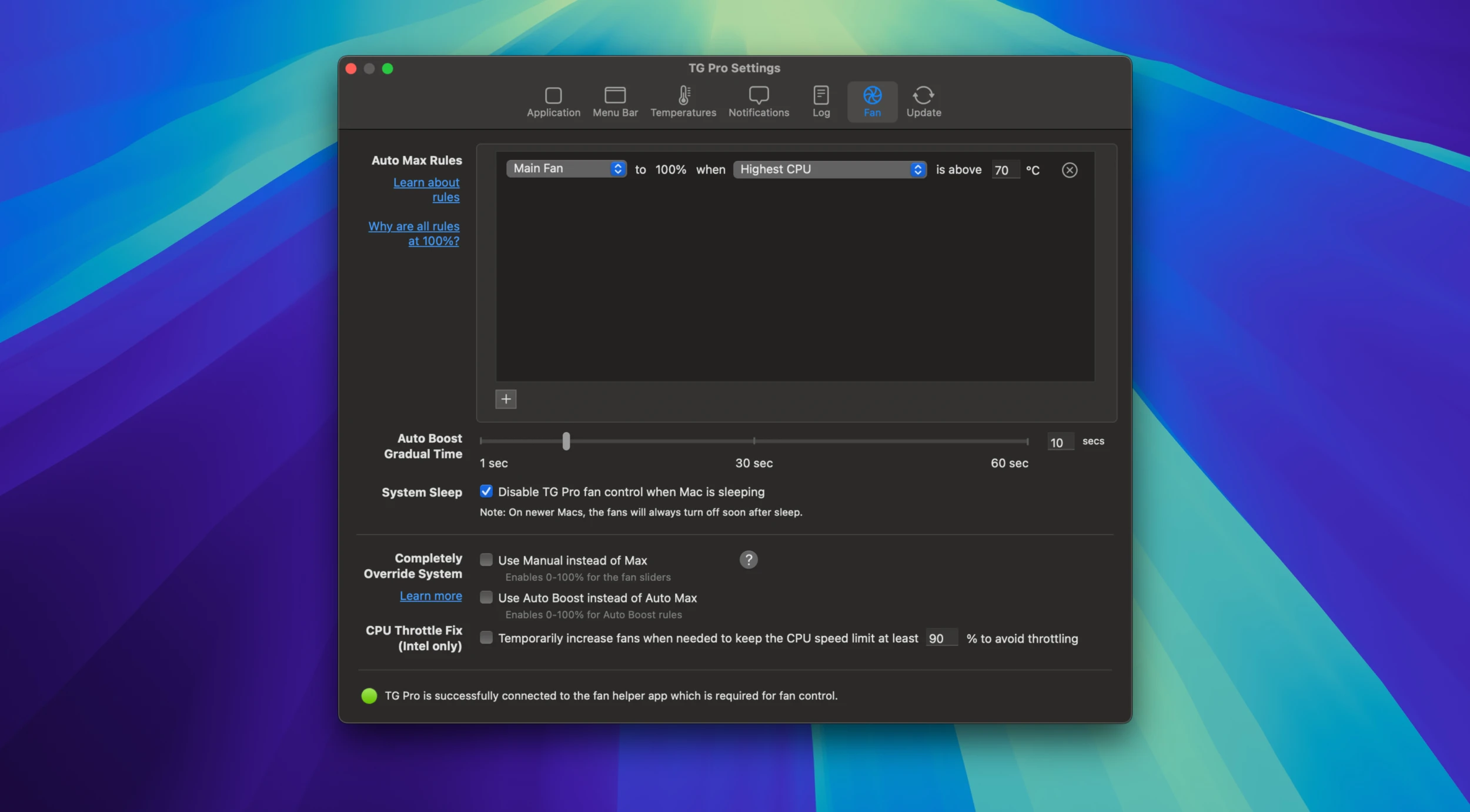
TG Pro shows what's happening inside your Mac – temperatures and fan speeds – and lets you take control of the fans.
- CPU, GPU, SSD, battery and other sensors in the menu bar
- Fan speeds for every fan
- Rules that raise fan speed as temperature climbs
- Manual boost before rendering or gaming
- Notifications when a component gets too hot
- Hardware diagnostics
Reach for it if you suspect your Mac is throttling or overheating, or simply want it cooler under load.
Macs that run hot under load
It's handy for video editors, developers and gamers who push their Macs hard, for owners of older Intel MacBooks that run hot, and for anyone trying to diagnose a fan or thermal problem.