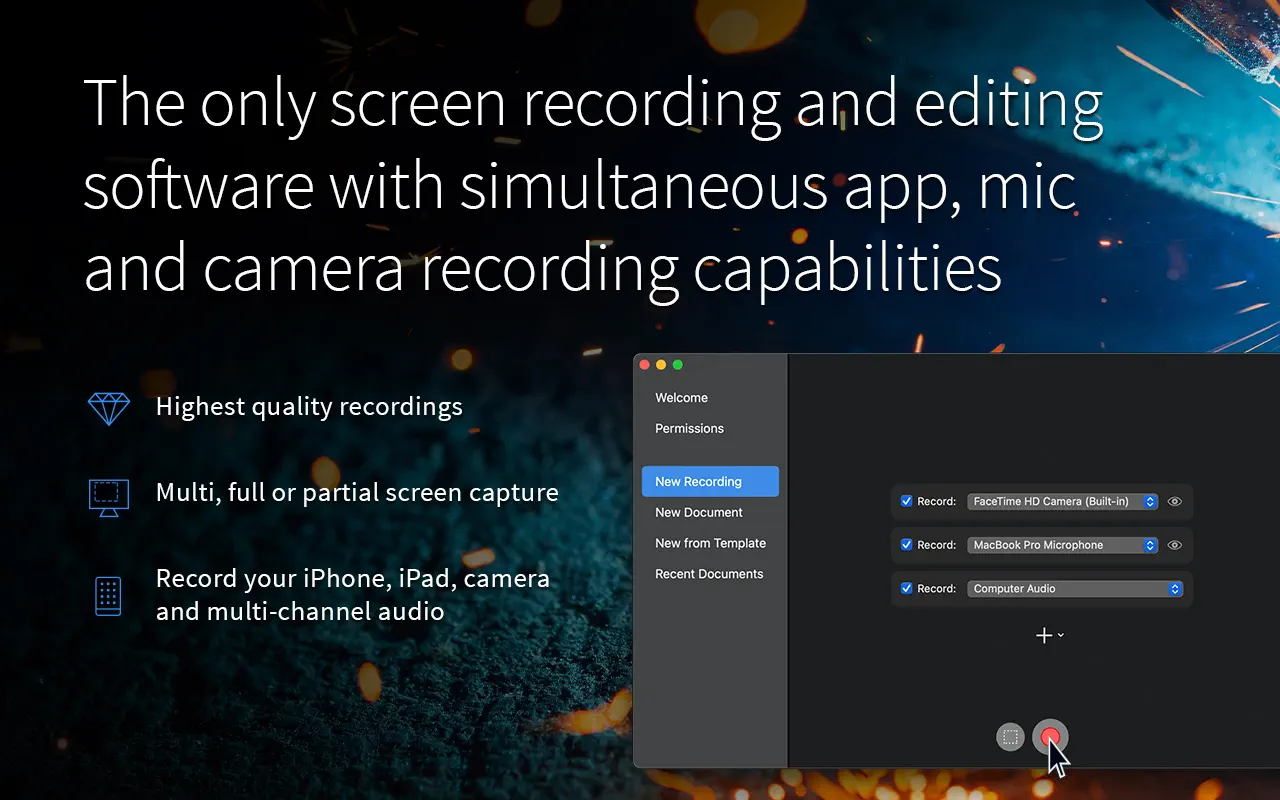
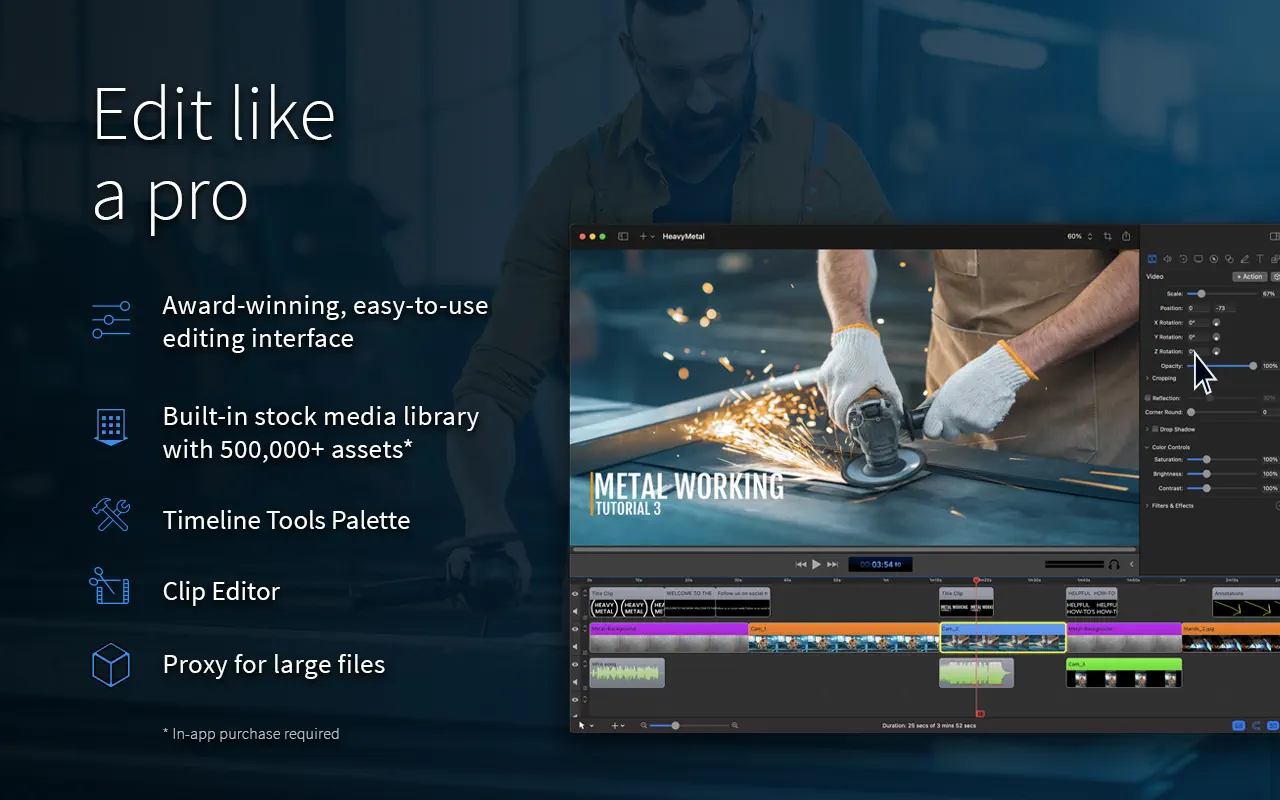
ScreenFlow by Telestream has been a fixture of Mac screencasting for years. It records the screen, webcam, microphone and computer audio together – including Retina resolution and iPhone or iPad screens over a cable – and then drops everything onto a multi-track editor.
Turning a recording into a tutorial in ScreenFlow
- Cut mistakes and rearrange sections on the timeline.
- Add callouts and zoom-and-pan moves to focus attention.
- Highlight clicks and show keystrokes for software demos.
- Drop in annotations, text and motion graphics templates.
- Generate captions and clean up the audio.
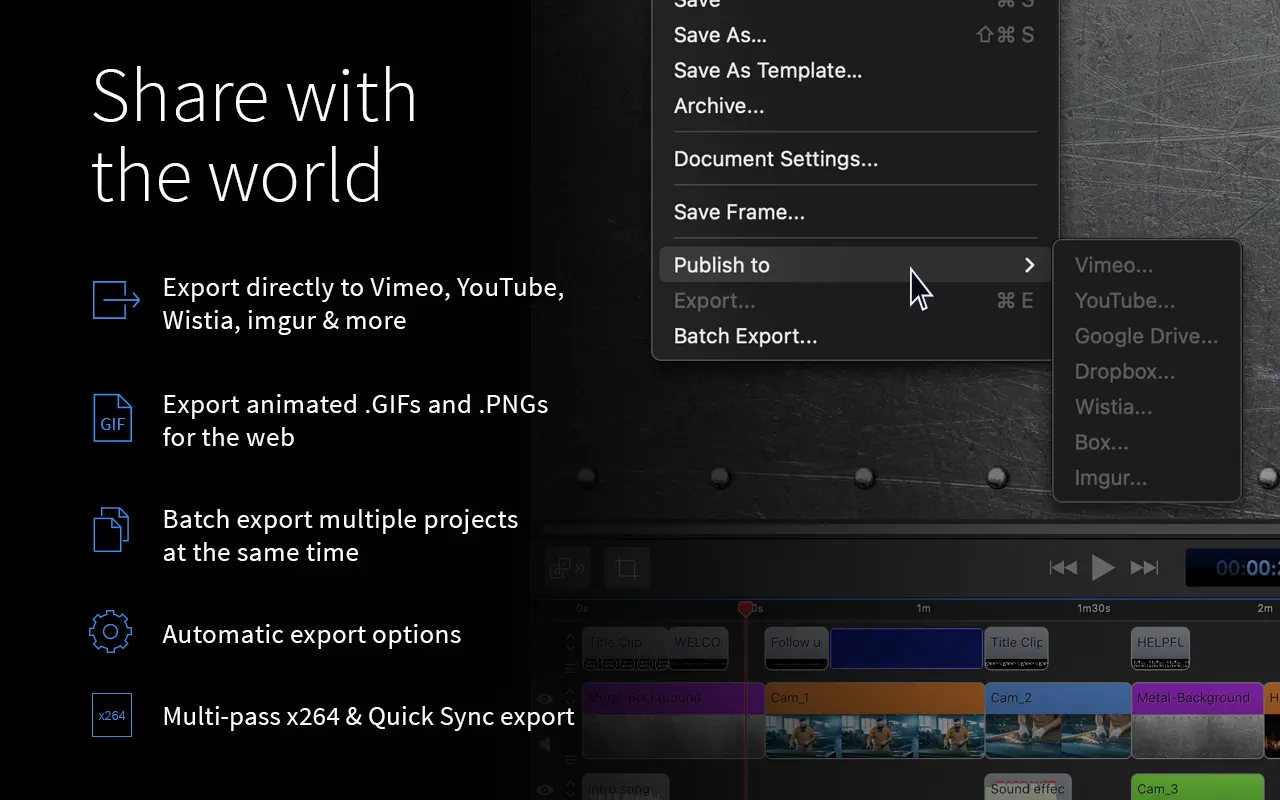
- Publish straight to YouTube or Vimeo, or export a GIF for documentation.
A built-in stock media library supplies music and images.