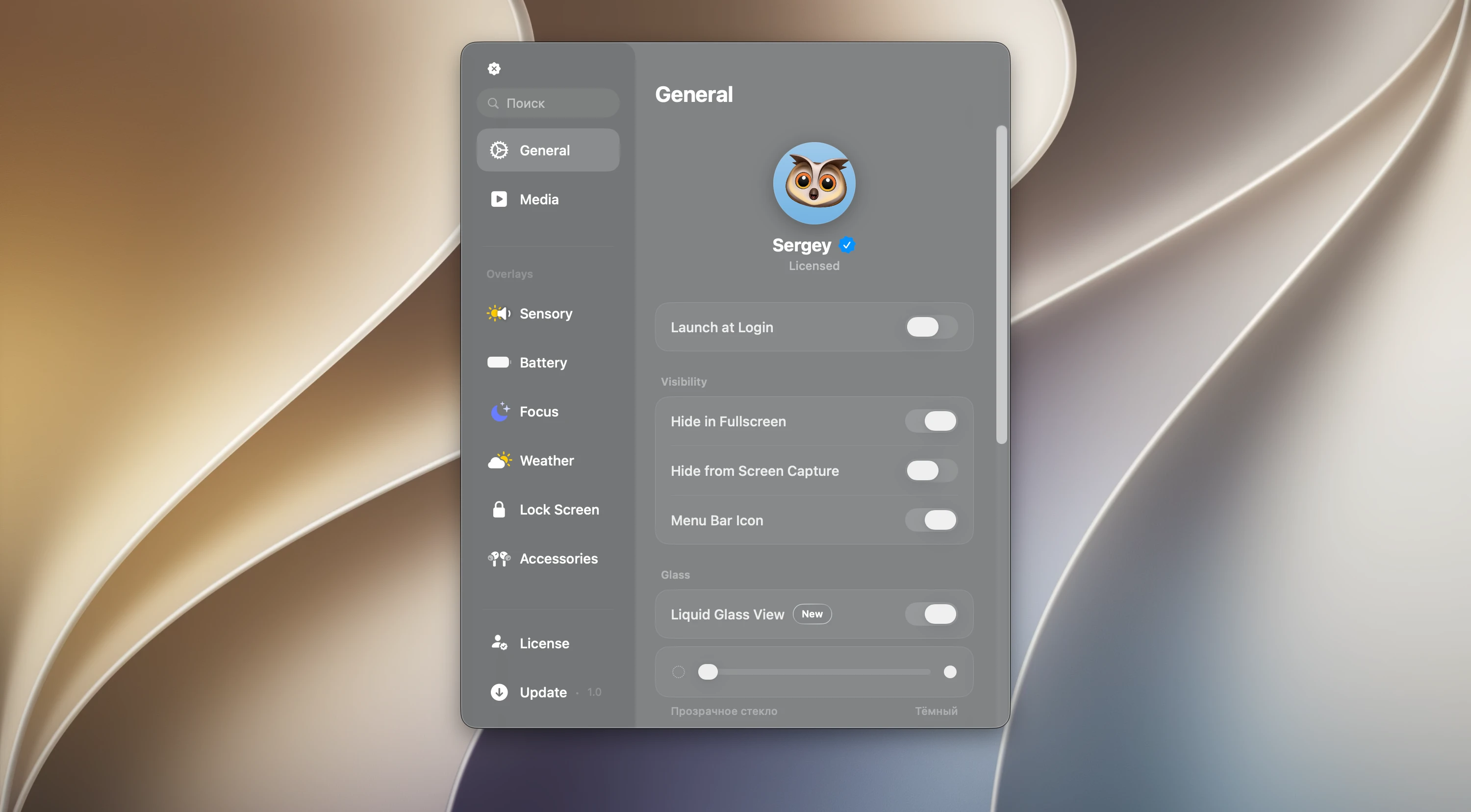
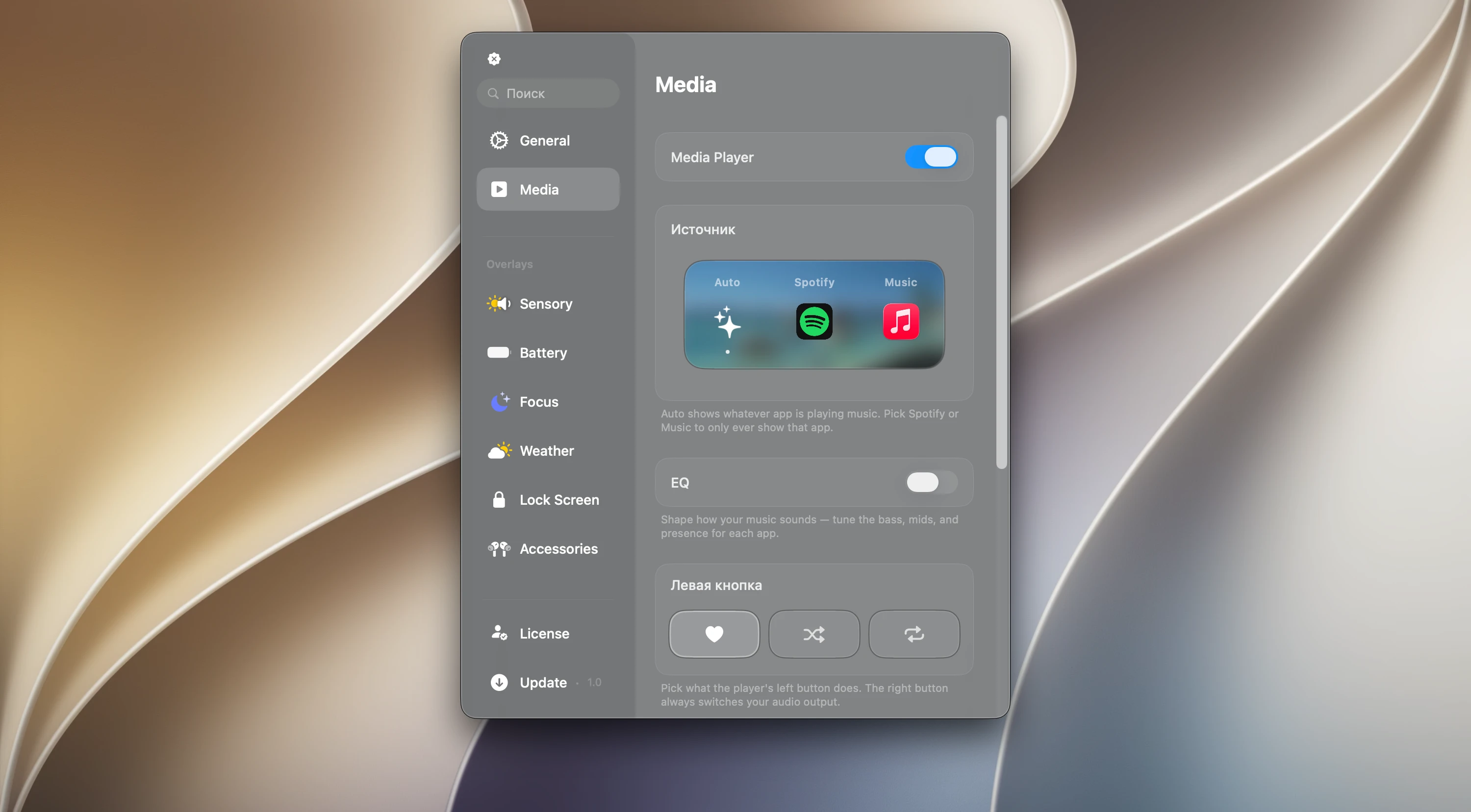
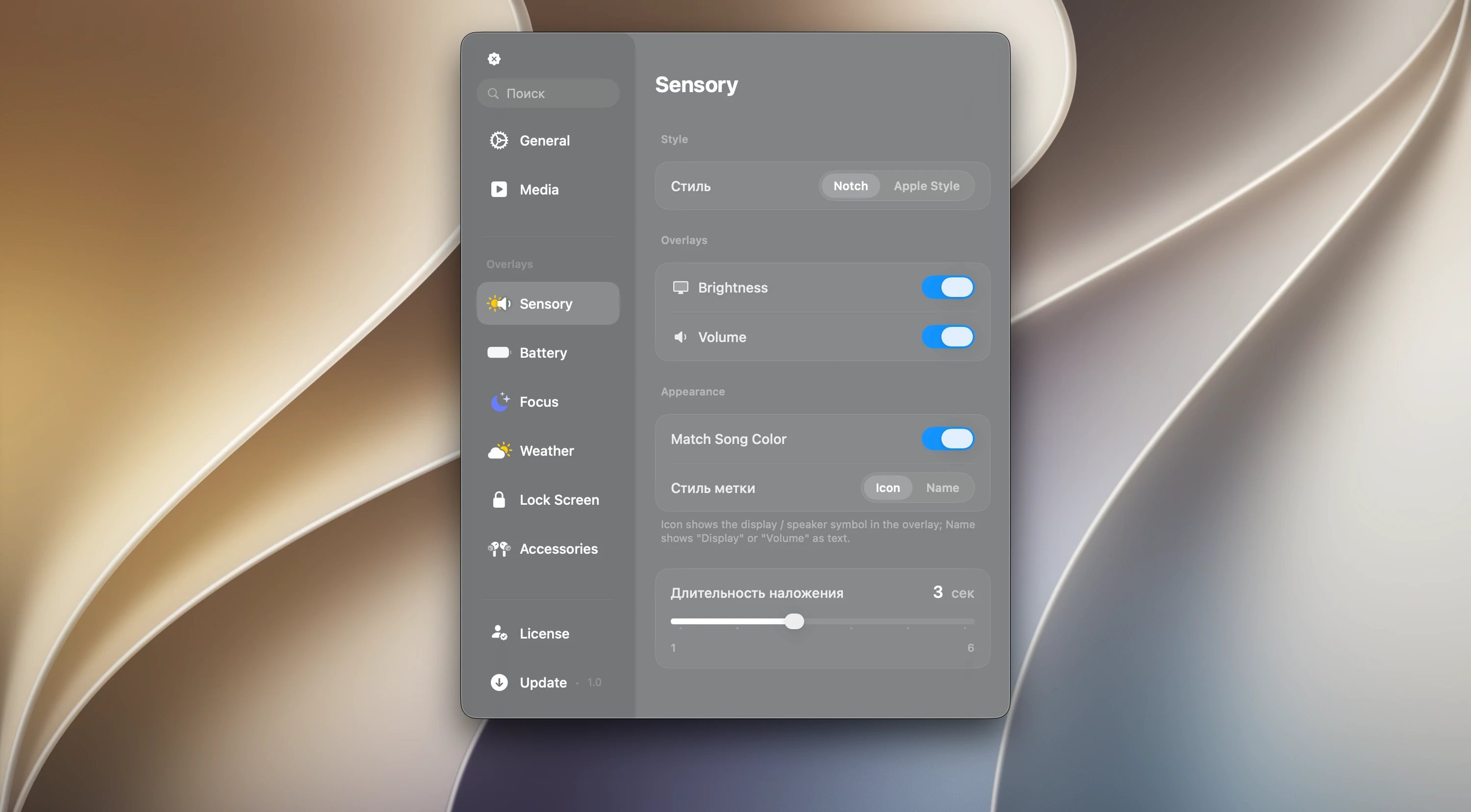
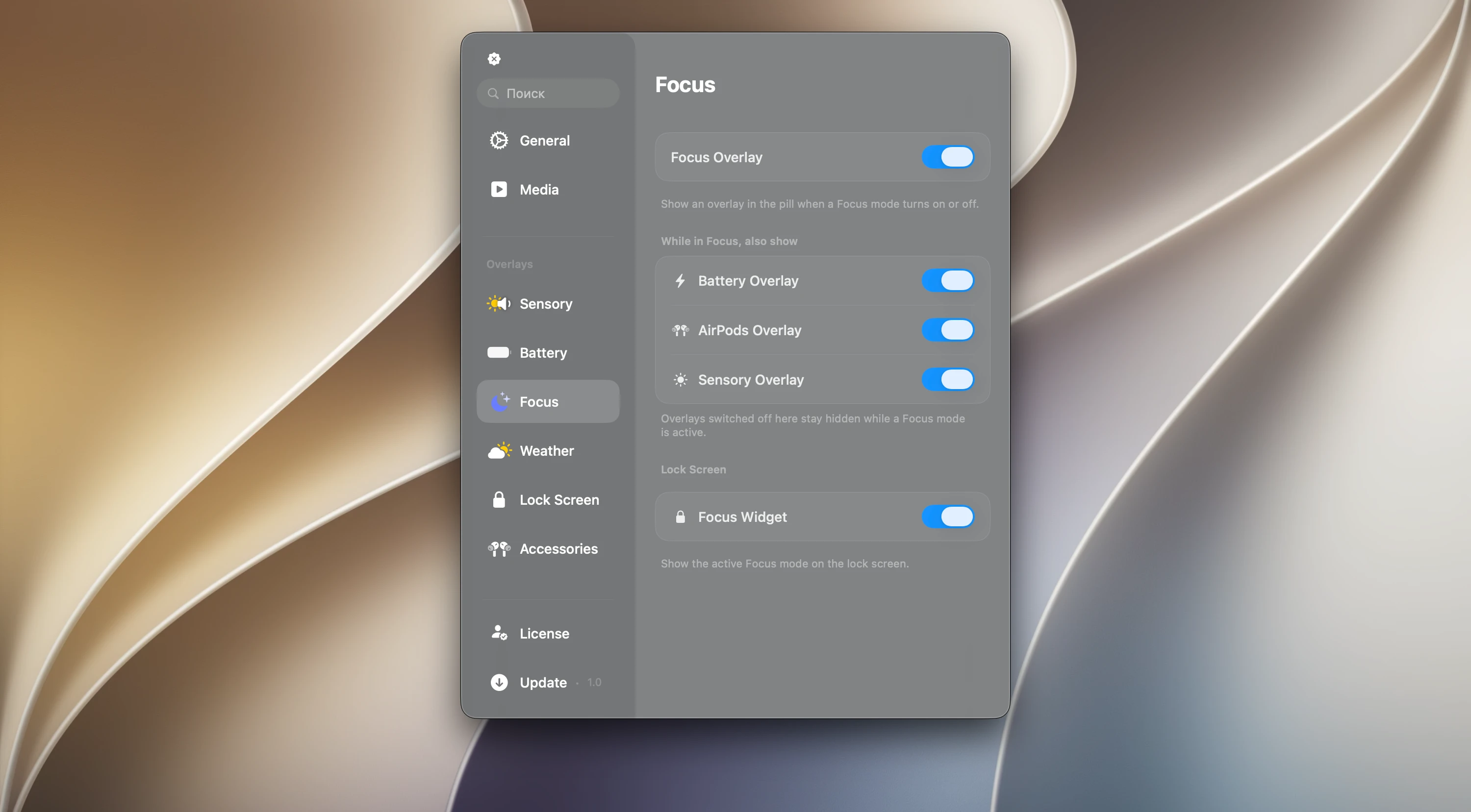
Canopy makes the MacBook notch part of the workflow instead of dead space, adding a Dynamic Island-style strip around the camera like the one on recent iPhones.
- Track info and play, pause and skip controls without opening the music app
- Messages and notifications appear in the island rather than over your work
- Drop files onto it to keep them handy
- Expand it for more detail when you need it
What changed in Canopy 2
Smoother animations and more customization, so the island fits your workflow and looks like a native part of macOS.