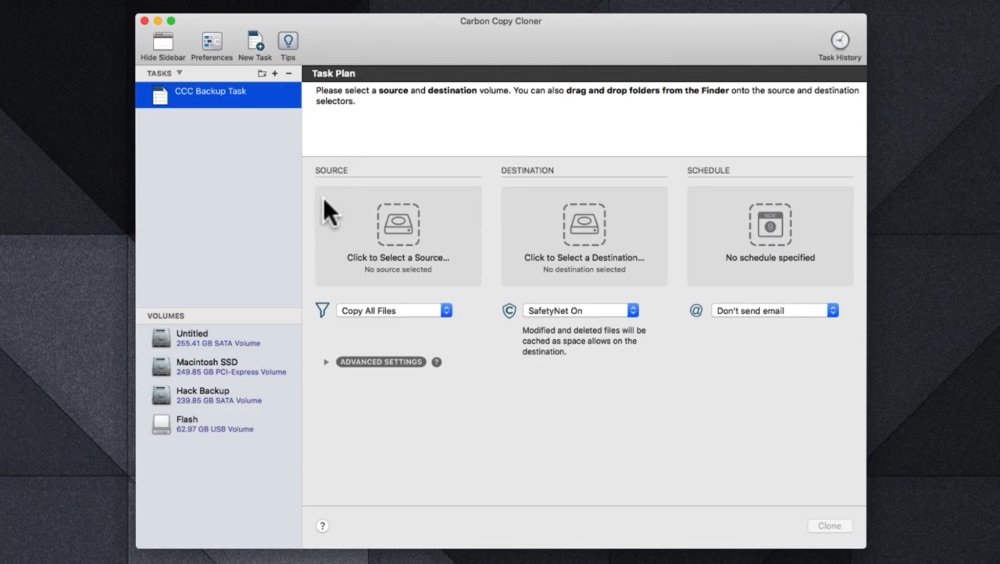
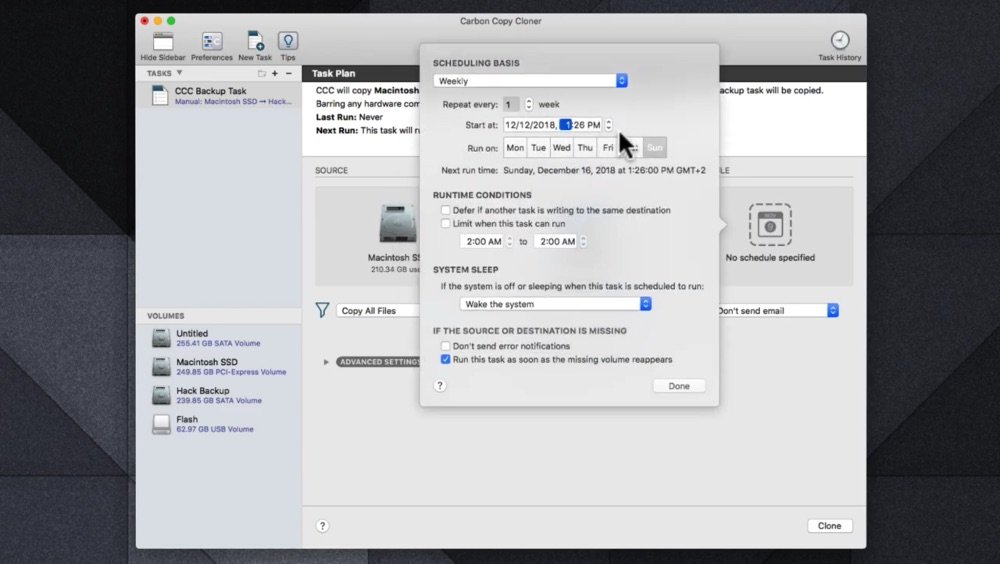
Carbon Copy Cloner by Bombich Software is one of the backup tools Mac professionals trust most, because its backups are easy to verify and quick to restore when something goes wrong.
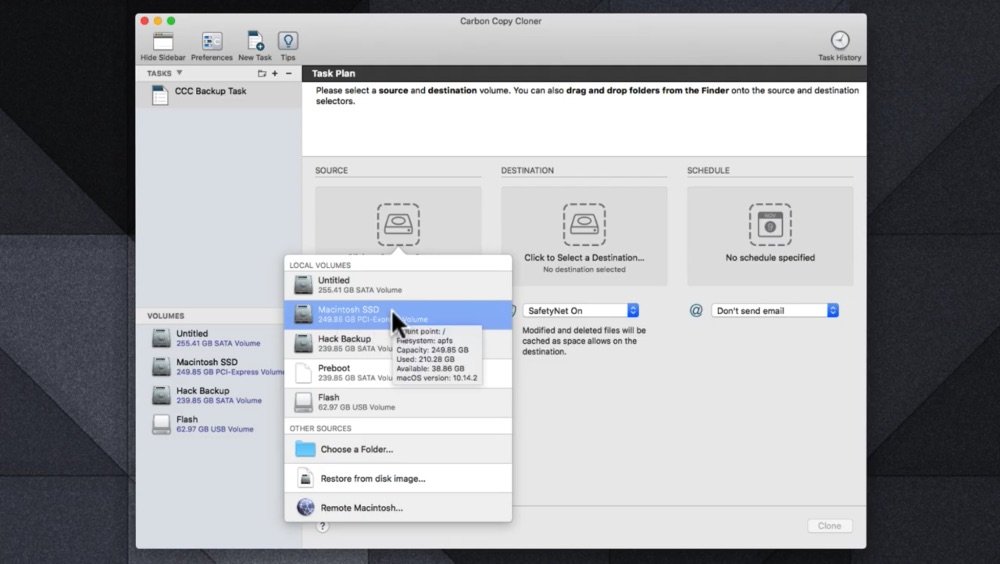
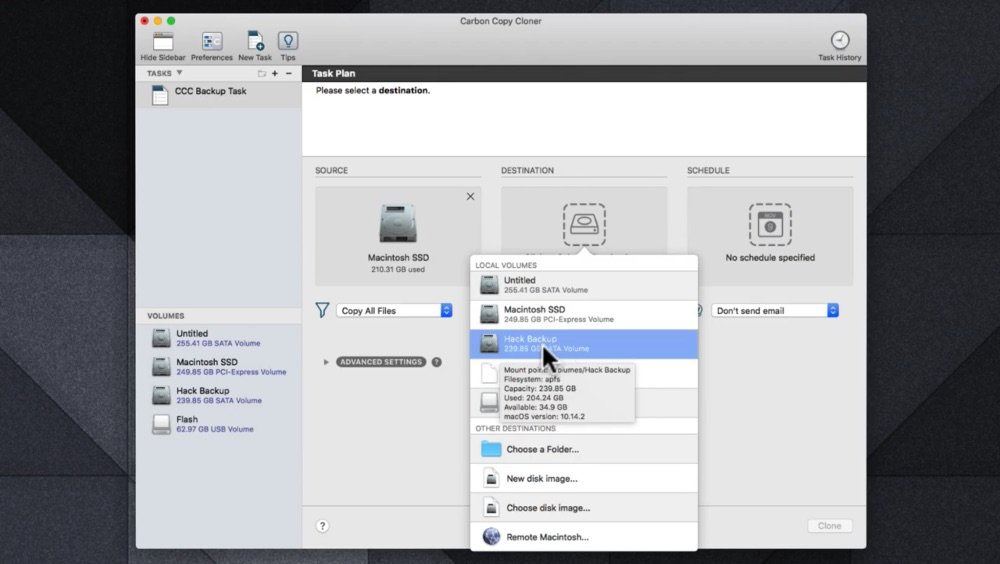
Time Machine is fine for occasional file restores. CCC gives you more control: scheduled incremental backups of everything or chosen folders, snapshots for rolling a file back to an earlier version, and a dashboard showing the status of every task. A Legacy Bootable Copy option remains for Macs that can still start up from an external clone.
When the internal drive fails
If your internal drive dies before a deadline, a CCC backup restores to a replacement drive or into a fresh macOS install through Migration Assistant, so you're back to your own files and apps in hours rather than days. A few extras make that safety net easier to trust:
- Task history and notifications
- Filters to include or exclude files
- Backups to local disks or network volumes