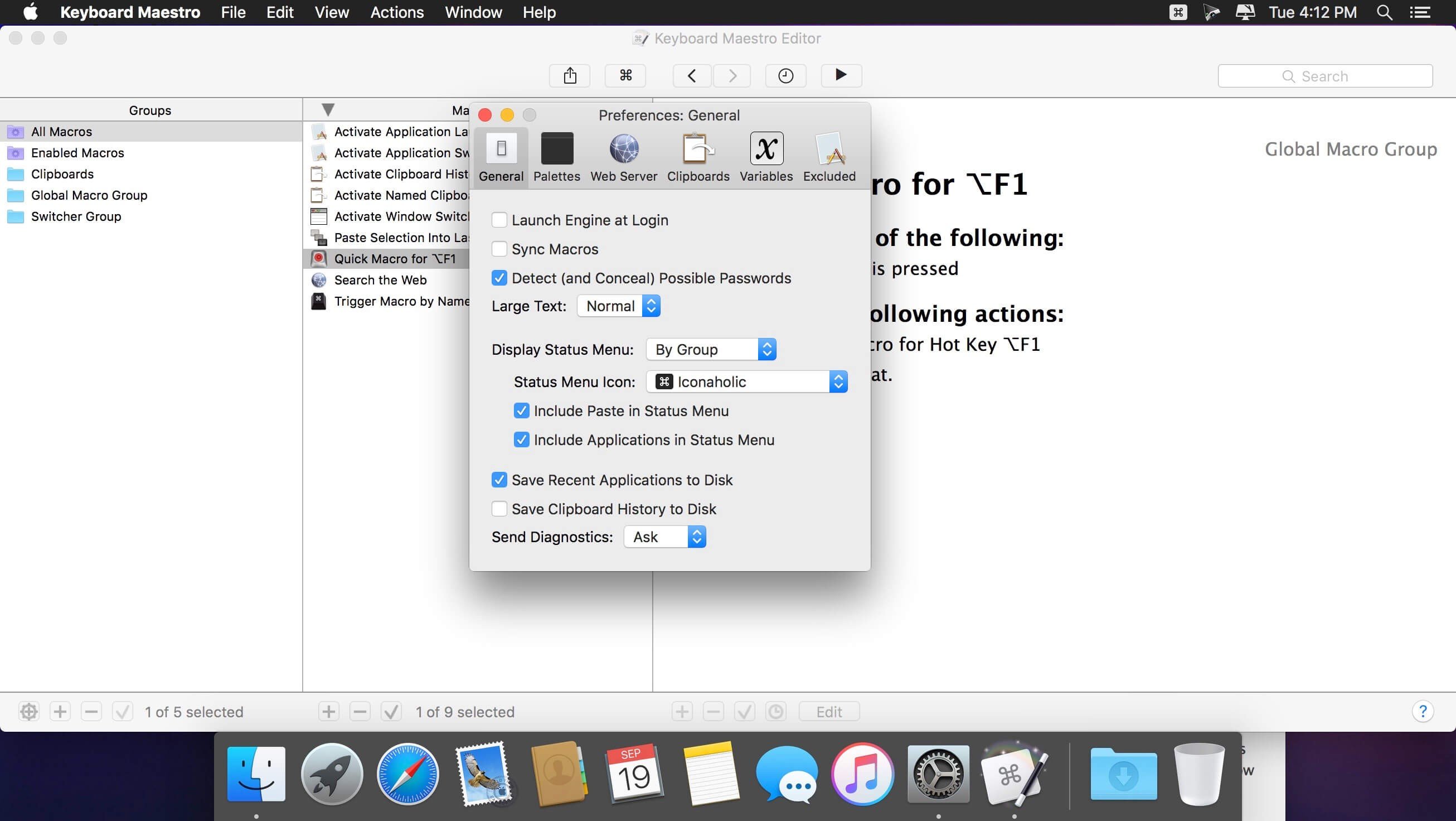
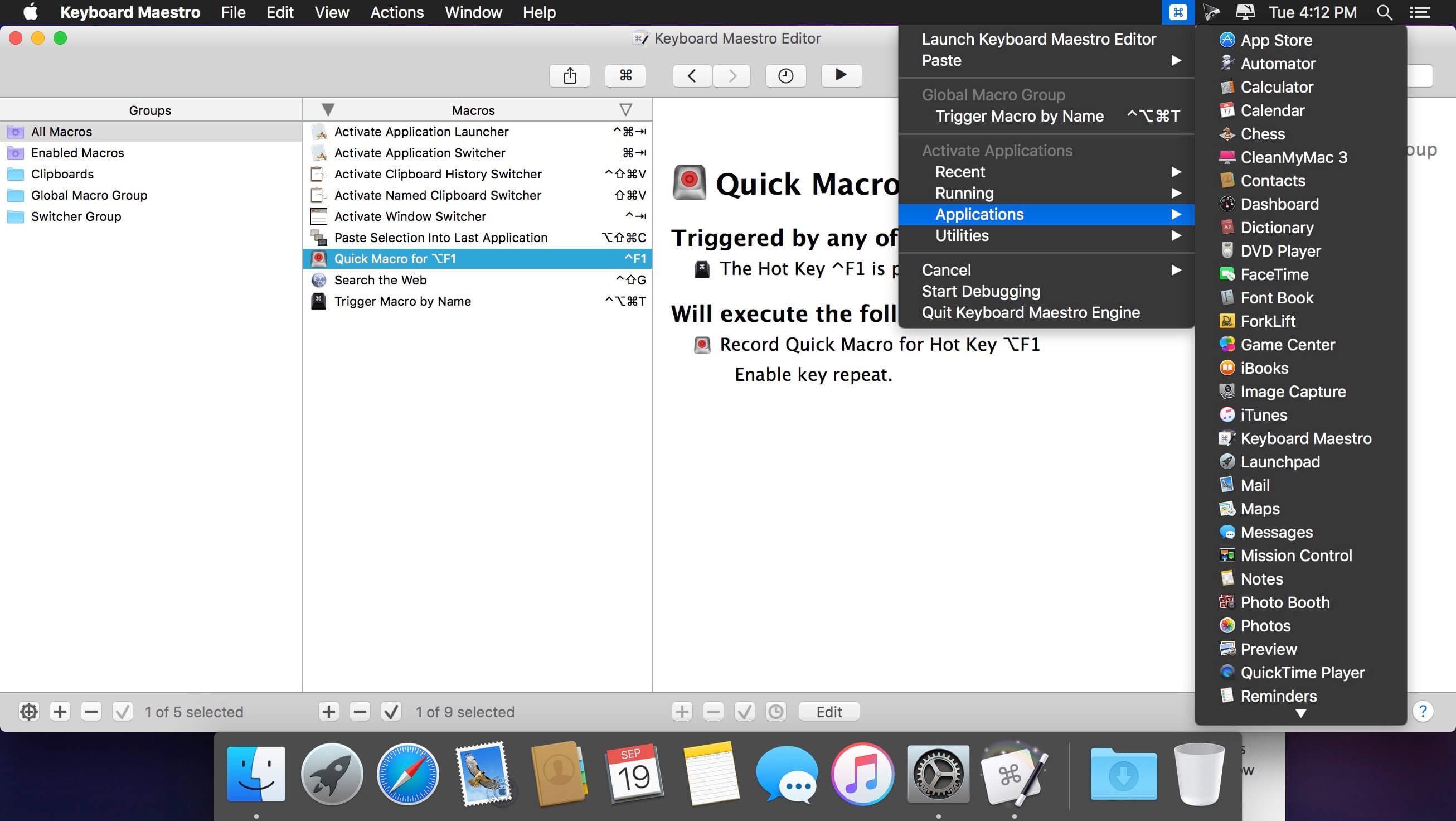
If you do something on your Mac more than a few times a day, Keyboard Maestro can probably do it for you.
Triggers and actions
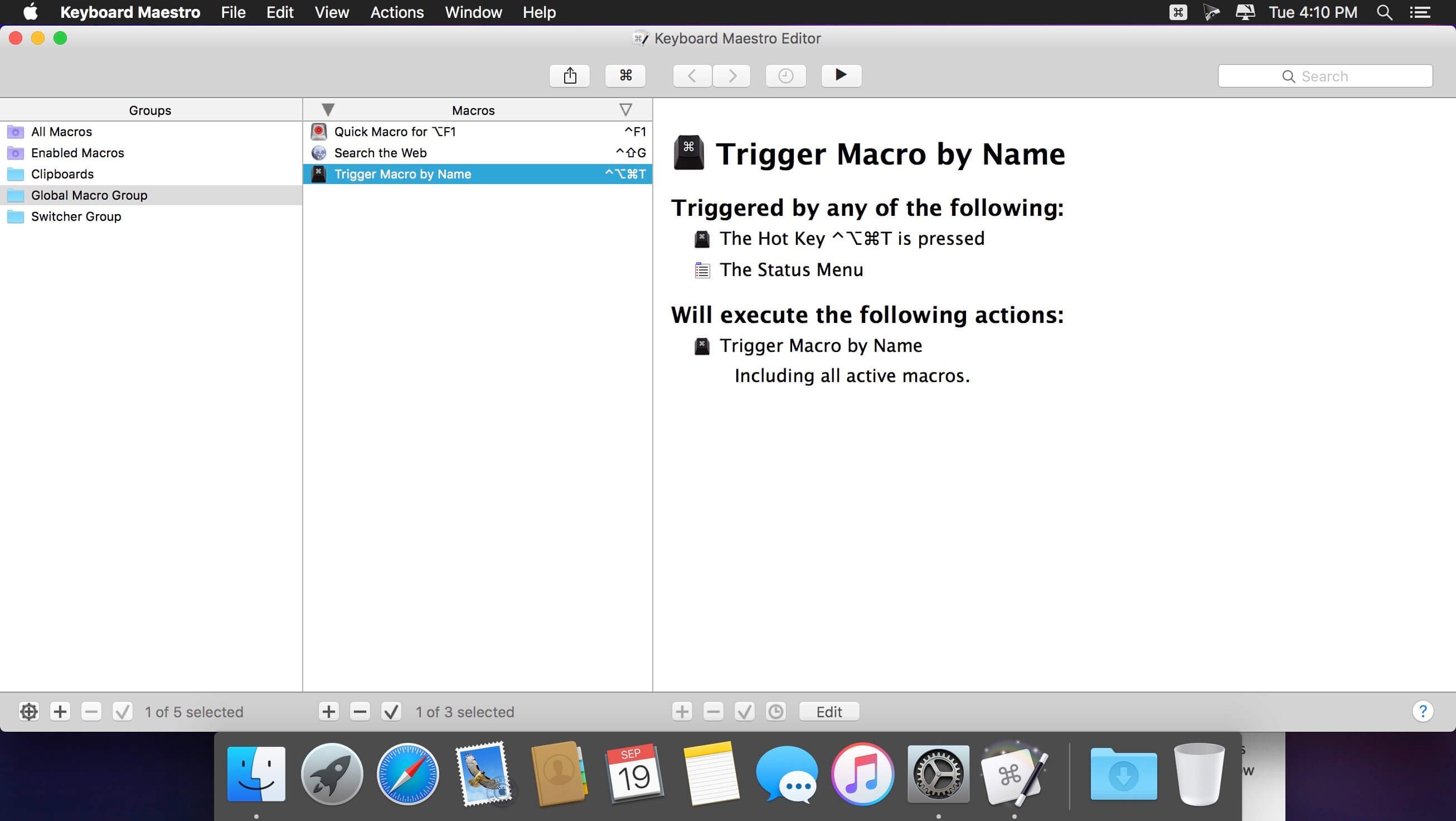
Every macro pairs a trigger with a list of actions. Triggers include hotkeys, typed strings, a time of day, an app launching, a USB device being plugged in and dozens more. Actions open apps, click buttons, type text, move windows, work with the clipboard, run AppleScript and shell scripts, and much else.
- Text expansion and templates
- Clipboard history and filters
- Window layouts for specific tasks
- Automating repetitive work in any app