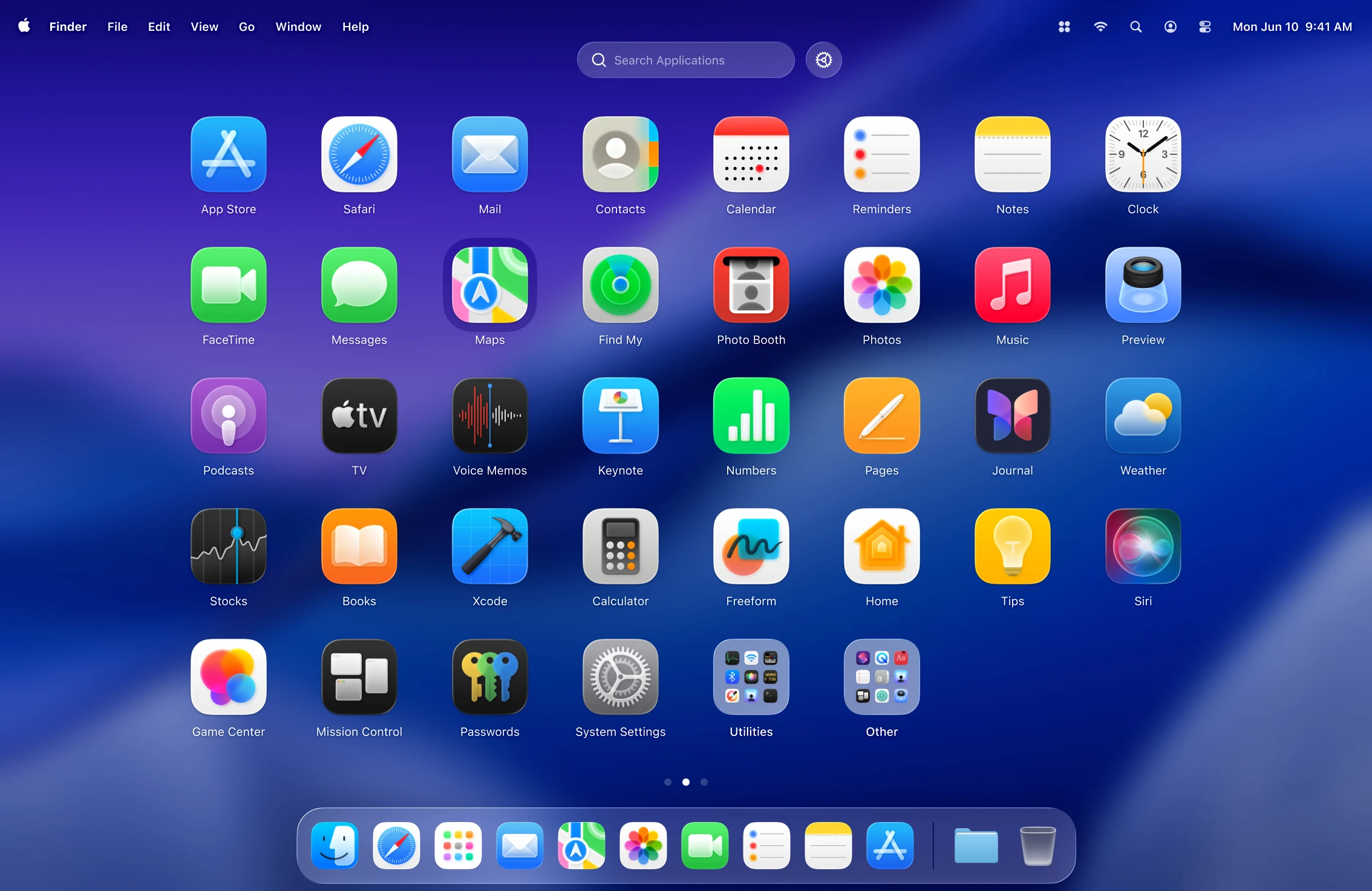
macOS Tahoe replaced the classic Launchpad, and not everyone was happy. LaunchOS brings back the full-screen grid of apps – and adds what Launchpad never had.
Opening it
A shortcut, a trackpad gesture, a hot corner or the Dock.
Organizing
Arrange apps across pages, group them into folders, hide ones you never use, and see recently used apps first.
Making it yours
Change grid size, icon size and background blur, search instantly as you type, and back up or restore your layout.
Who LaunchOS is for
If you miss Launchpad's grid after updating to macOS Tahoe, have dozens of apps installed or simply prefer launching apps visually rather than through Spotlight, LaunchOS will feel right at home.