Window snapping for the Mac
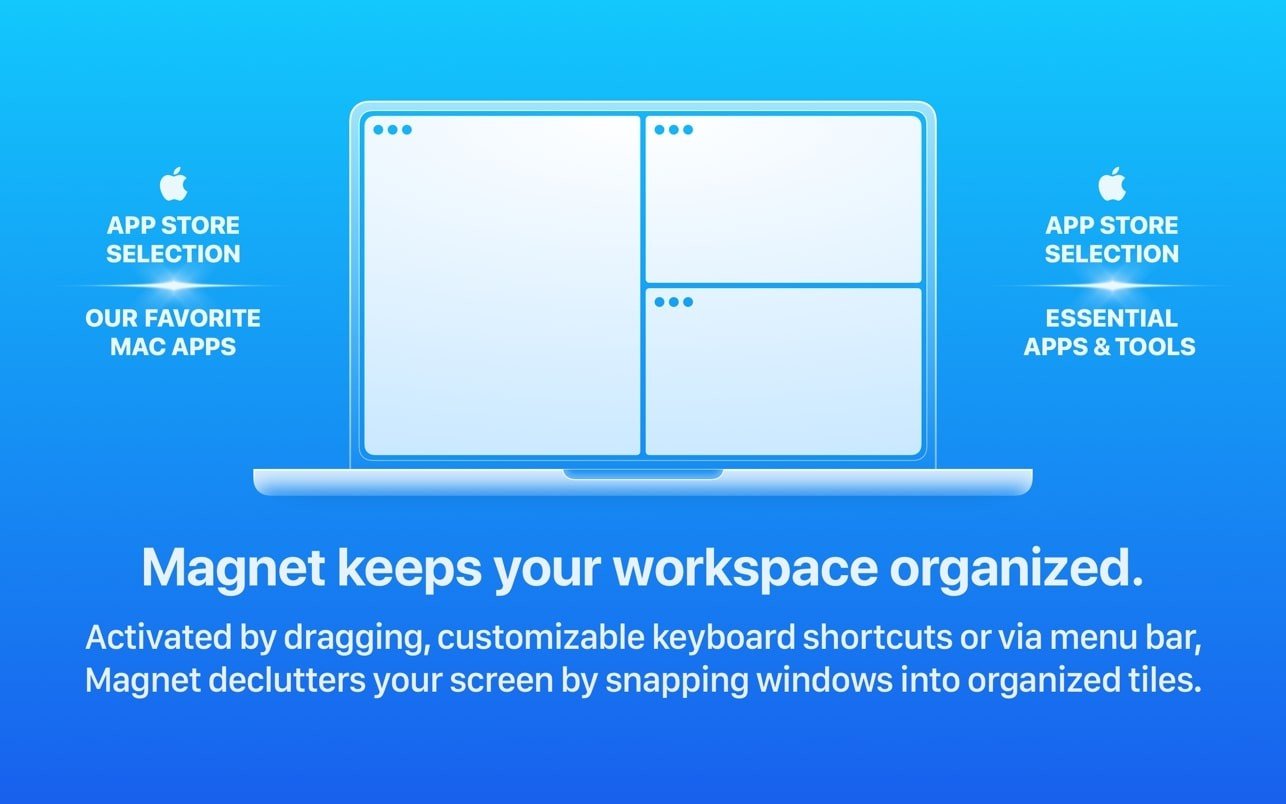
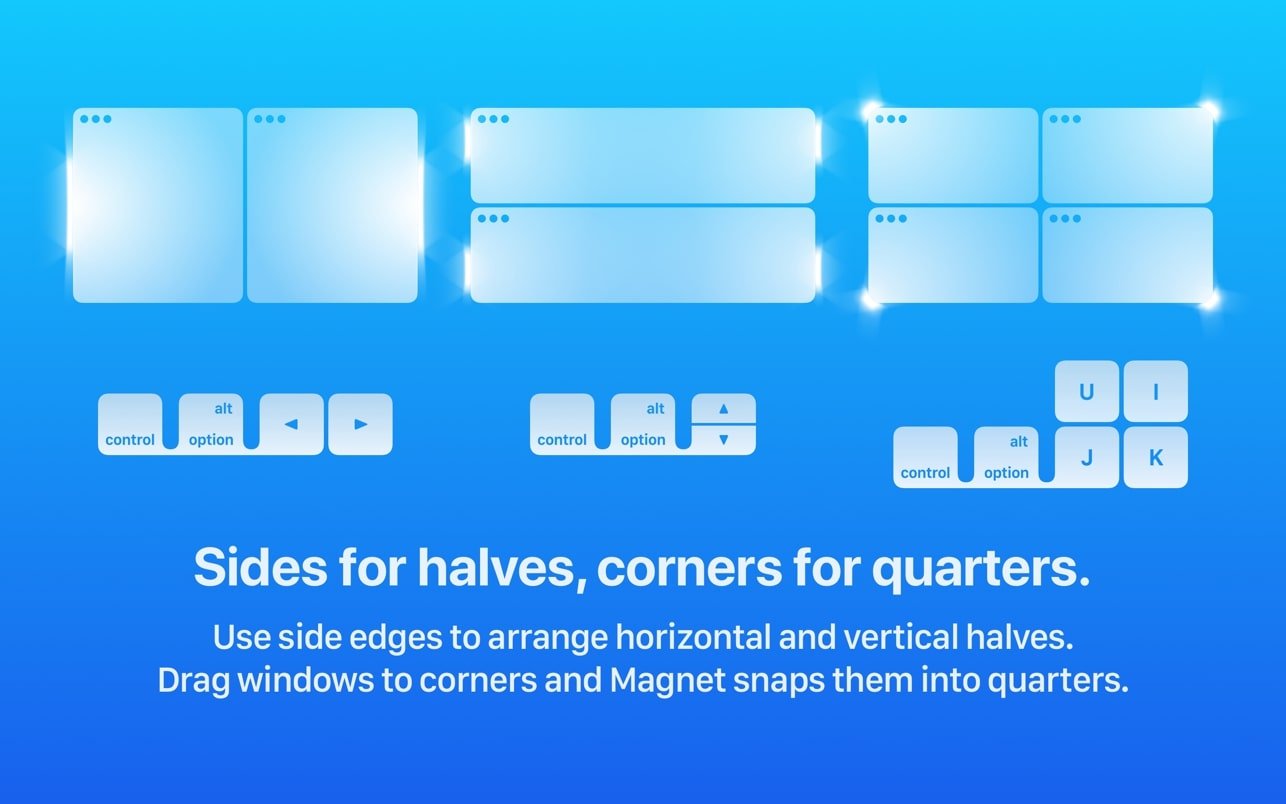
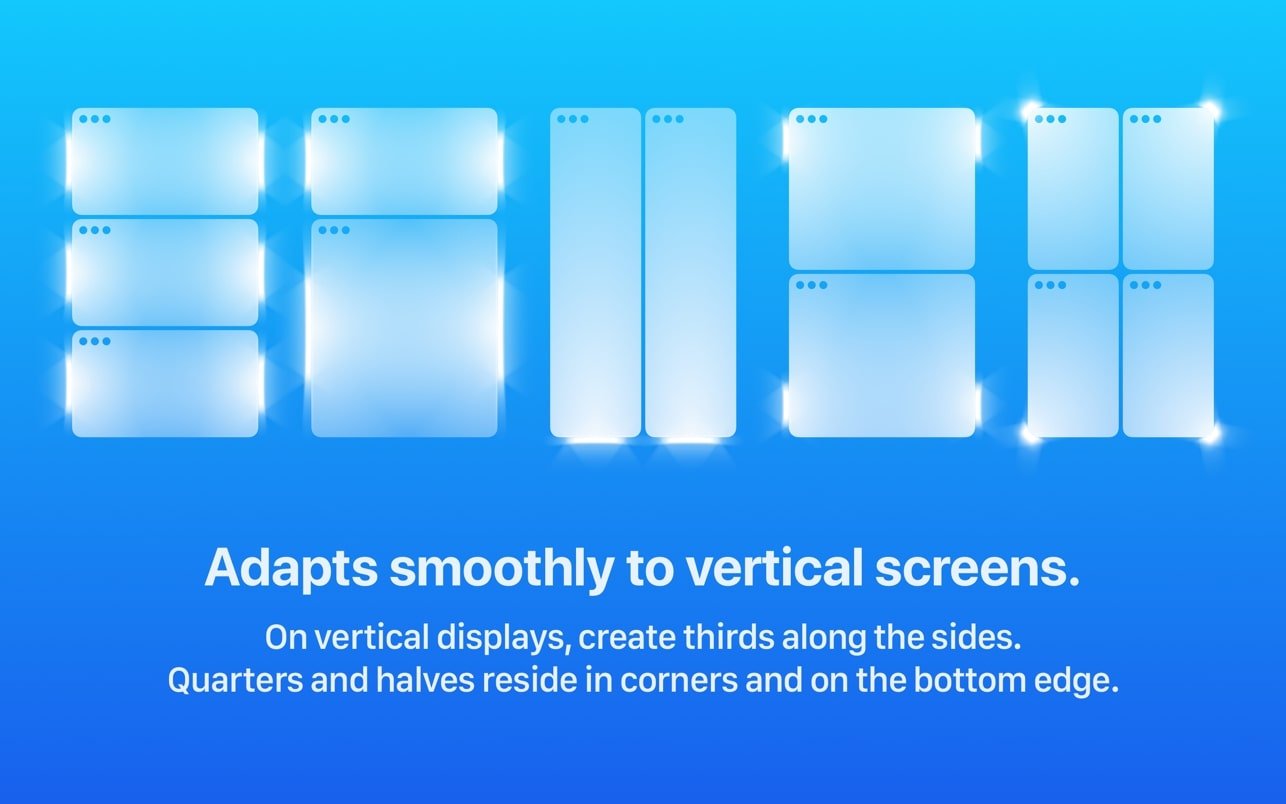
Magnet brings the feature Windows switchers miss most. Drag a window to the left edge and it fills the left half; drag it into a corner for a quarter.
Keyboard layouts
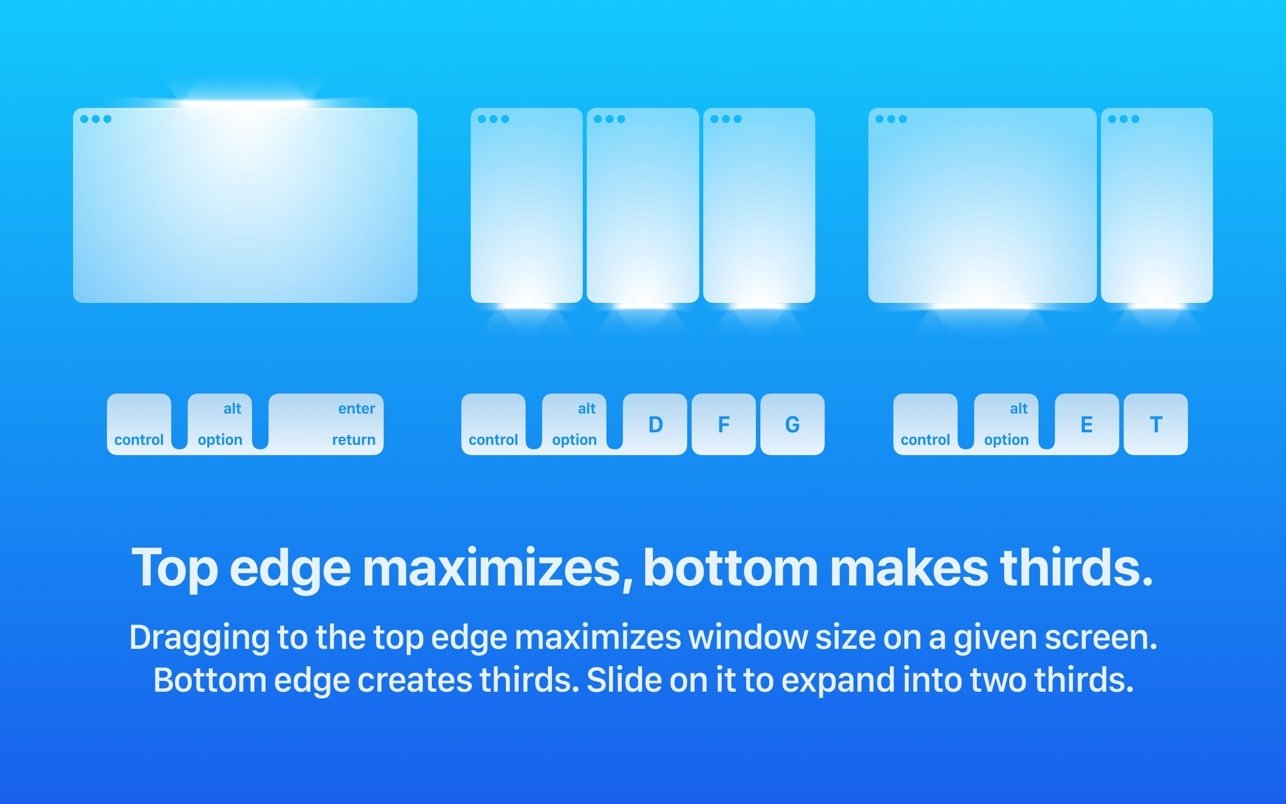
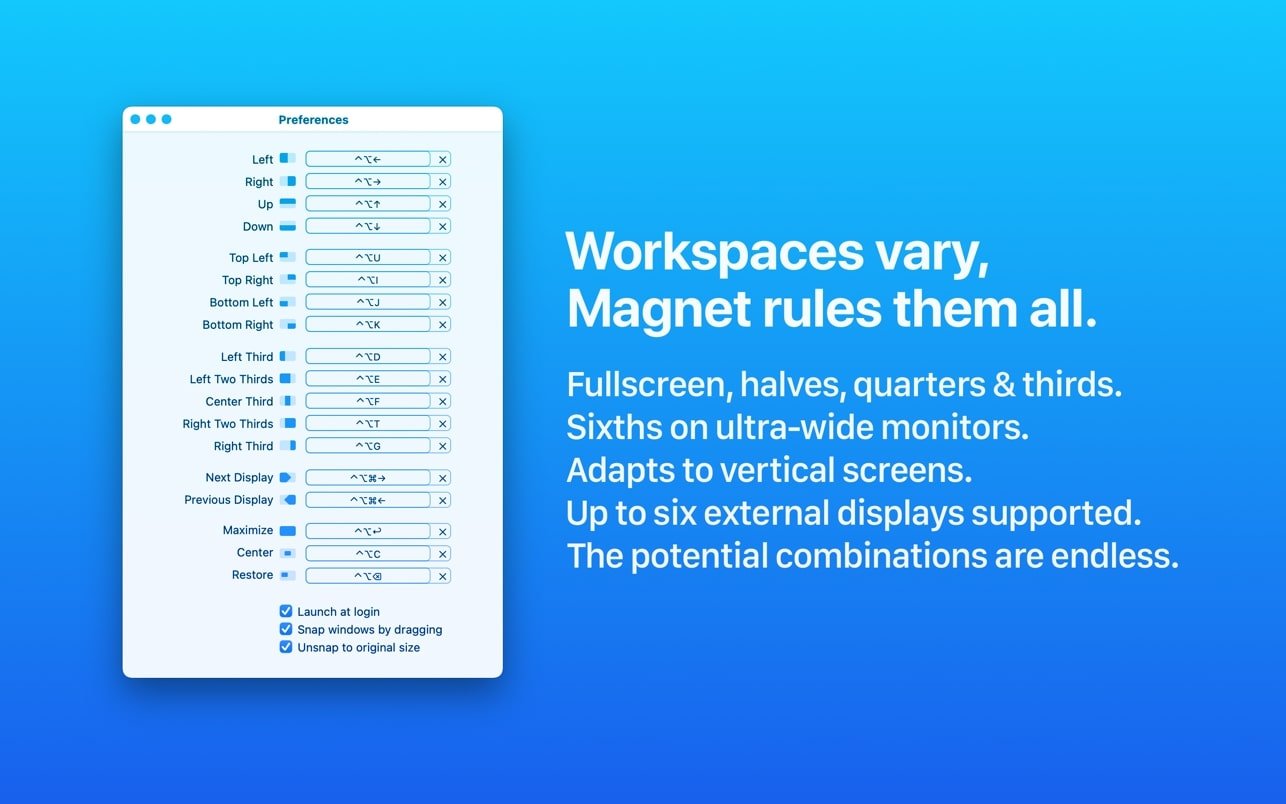
Shortcuts for halves, thirds, two-thirds, maximize and center.
Multiple displays
Up to six external screens, with a shortcut to send a window to the next one.
Menu bar
Pick layouts by clicking if you prefer.
Small app, big habit
Once you've arranged an editor next to a browser with one keystroke, it's hard to go back. Magnet is one of those utilities that quietly changes how you use the Mac every day, especially on large and ultrawide monitors.