
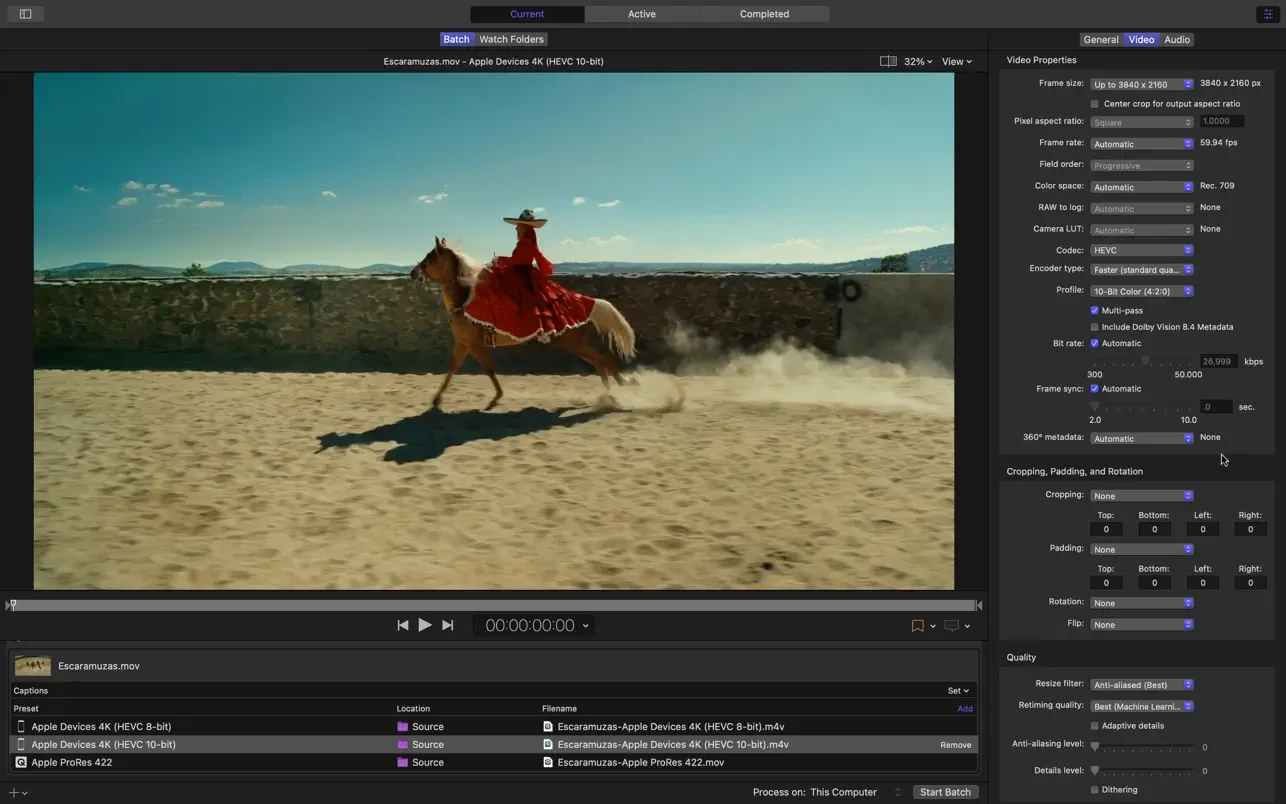
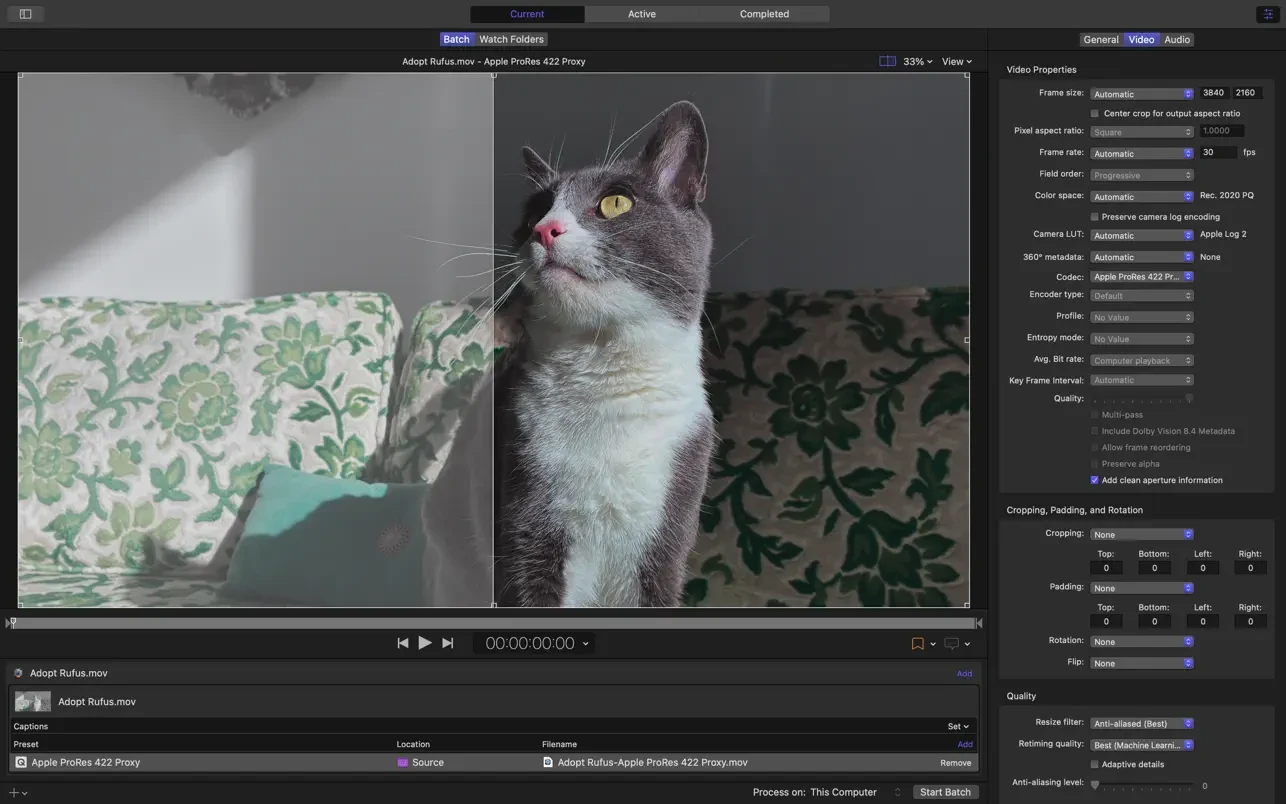
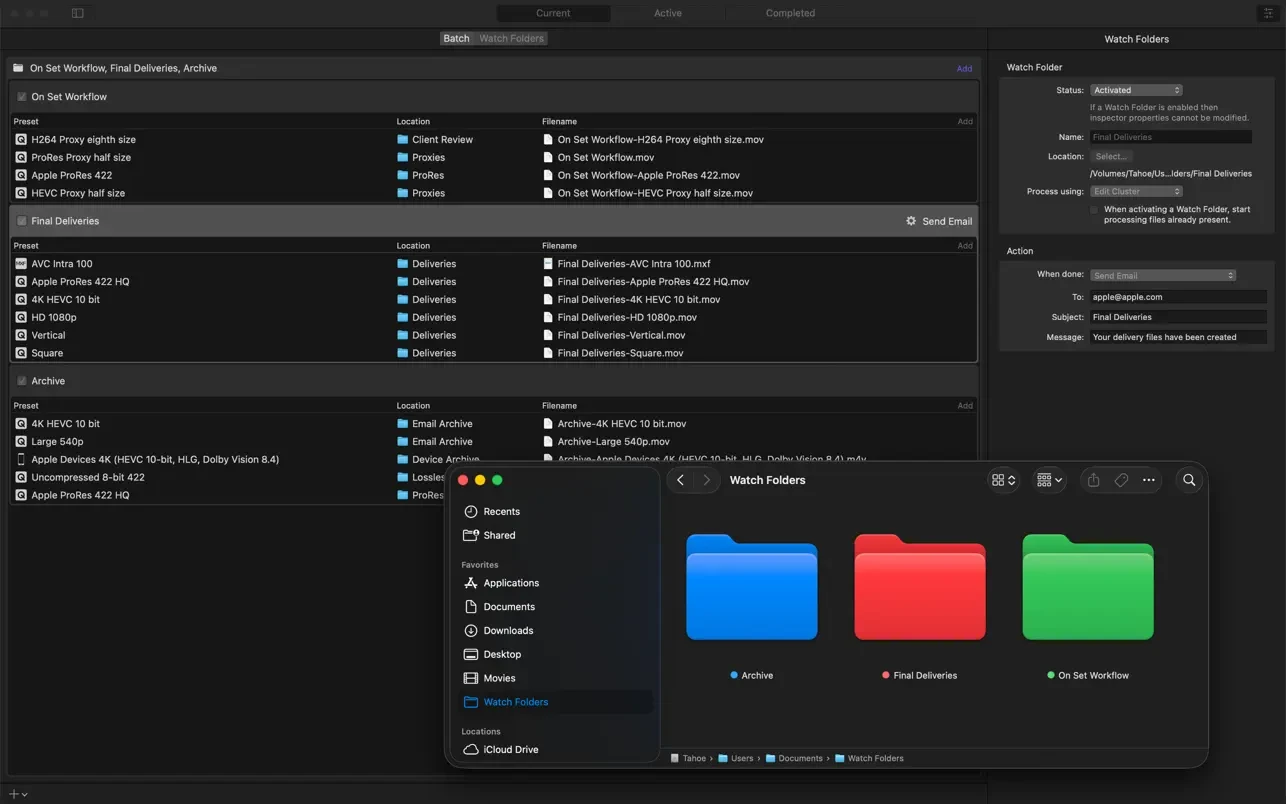
Final Cut Pro's built-in export covers most needs. Compressor is what Apple gives you for the rest – full control over encoding and large batches.
Build custom settings for resolution, frame rate, codec, bitrate and audio, save them, and they appear right in Final Cut's Share menu. Batch processing encodes many clips with the same settings, and droplets turn a setting into a little app you drag files onto.
Professional deliverables from Compressor
- HDR and wide color output, including Dolby Vision metadata
- ProRes, HEVC and H.264 in many variants
- iTunes Store and IMF packages
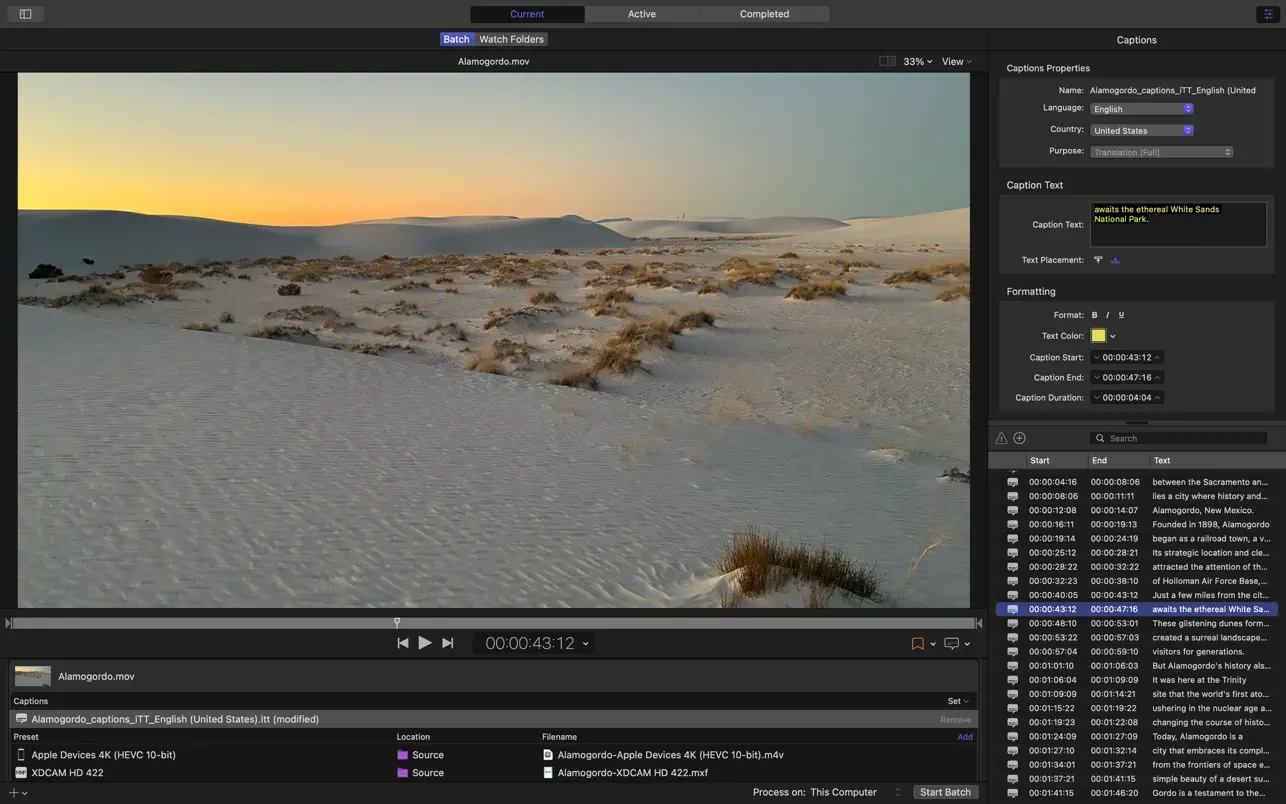
- Captions and closed captions
- Distributed encoding across several Macs on a network