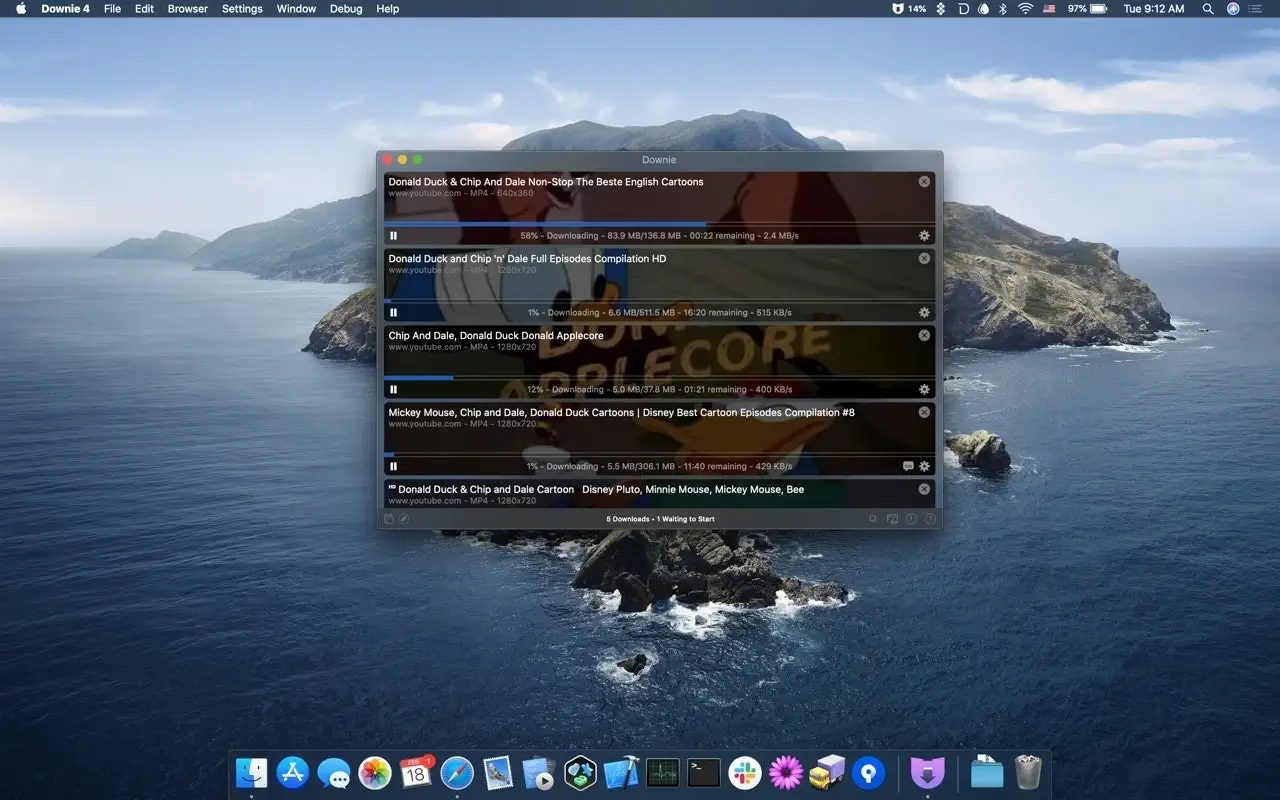
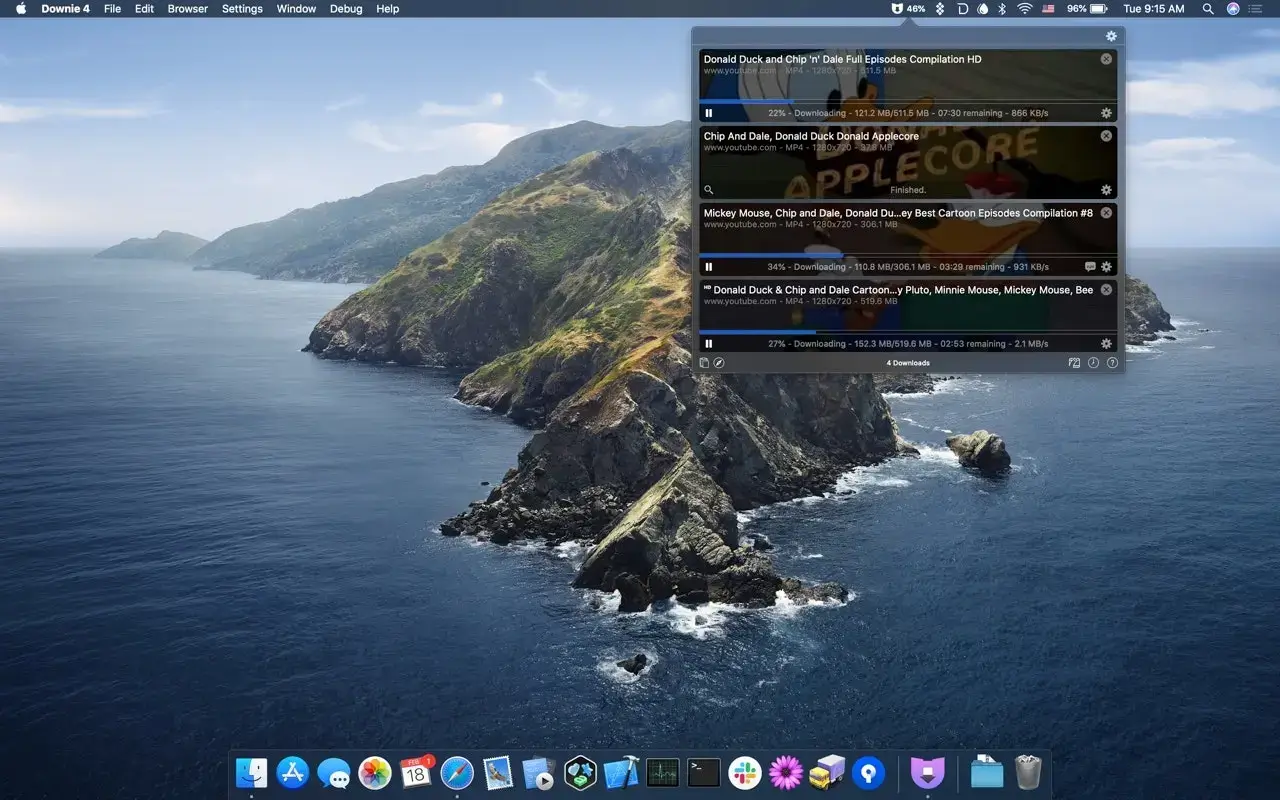
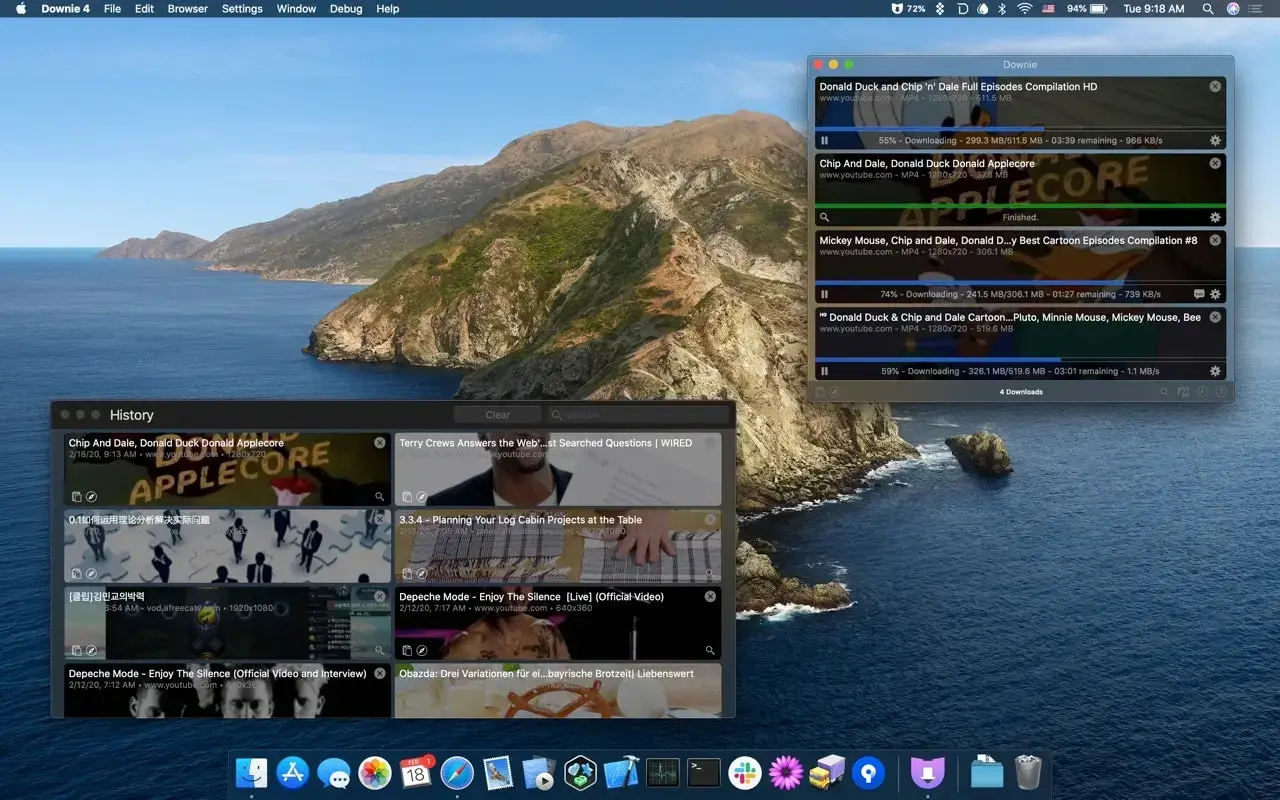
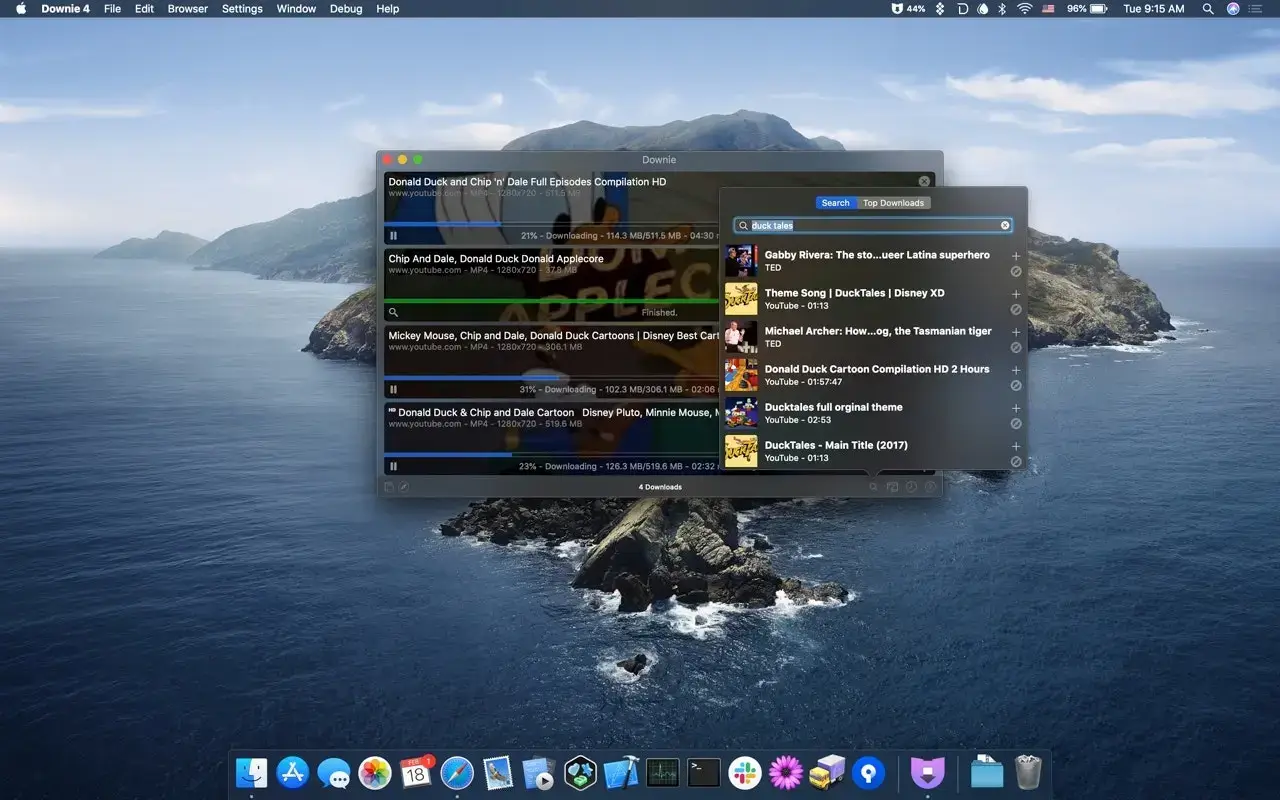
Downie by Charlie Monroe is a video downloader that feels like it belongs on a Mac. It supports well over a thousand sites – from YouTube and Vimeo to news portals and course platforms – and gets updated constantly as those sites change.
- Drop a link onto Downie, use the browser extension, or paste a page with several videos.
- Pick a quality up to 4K or 8K (HDR where available), or choose audio only as MP3.
- Let postprocessing convert the result to MP4 so it plays anywhere.
- Find the file in your Downloads folder, subtitles included if you asked for them.
For sites it doesn't recognize, User-Guided Extraction helps you pick the video manually, and it hands files to Permute, the developer's converter, for anything further.